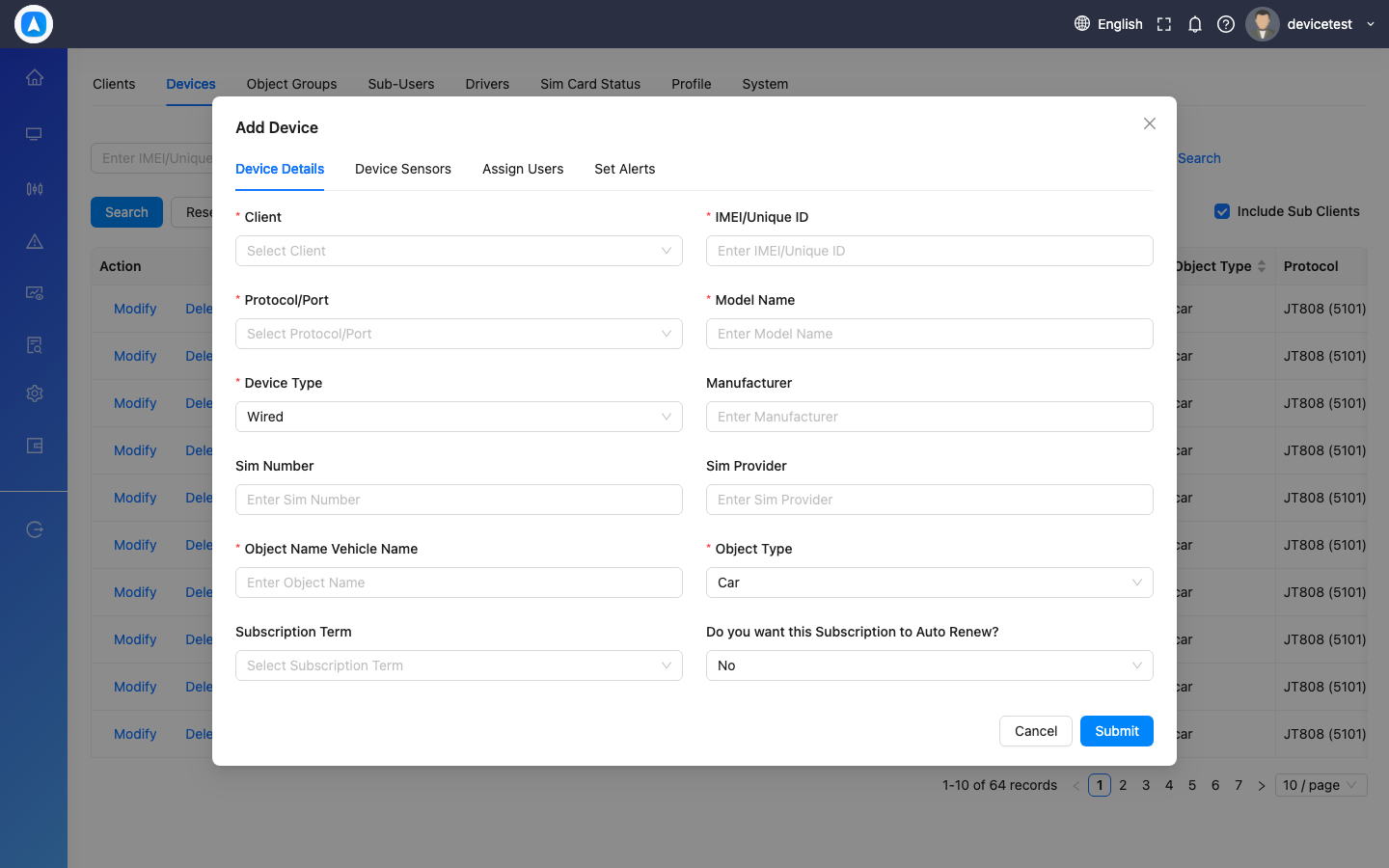
Adding a Device
Video Tutorial
Steps
- Web: Go to Settings > Devices > Add Device | Mobile: Go to More > Device Form
- Enter the device IMEI number (printed on the device or box)
- Select the device type/model
- Enter a name for the vehicle/asset being tracked
- Optionally enter SIM card details
- Assign to a user (if applicable)
- Save and activate
tip
On mobile, use the QR Code Scanner to quickly scan the device's IMEI barcode instead of typing it manually.
Add Device Form