Maintenance & Expenses
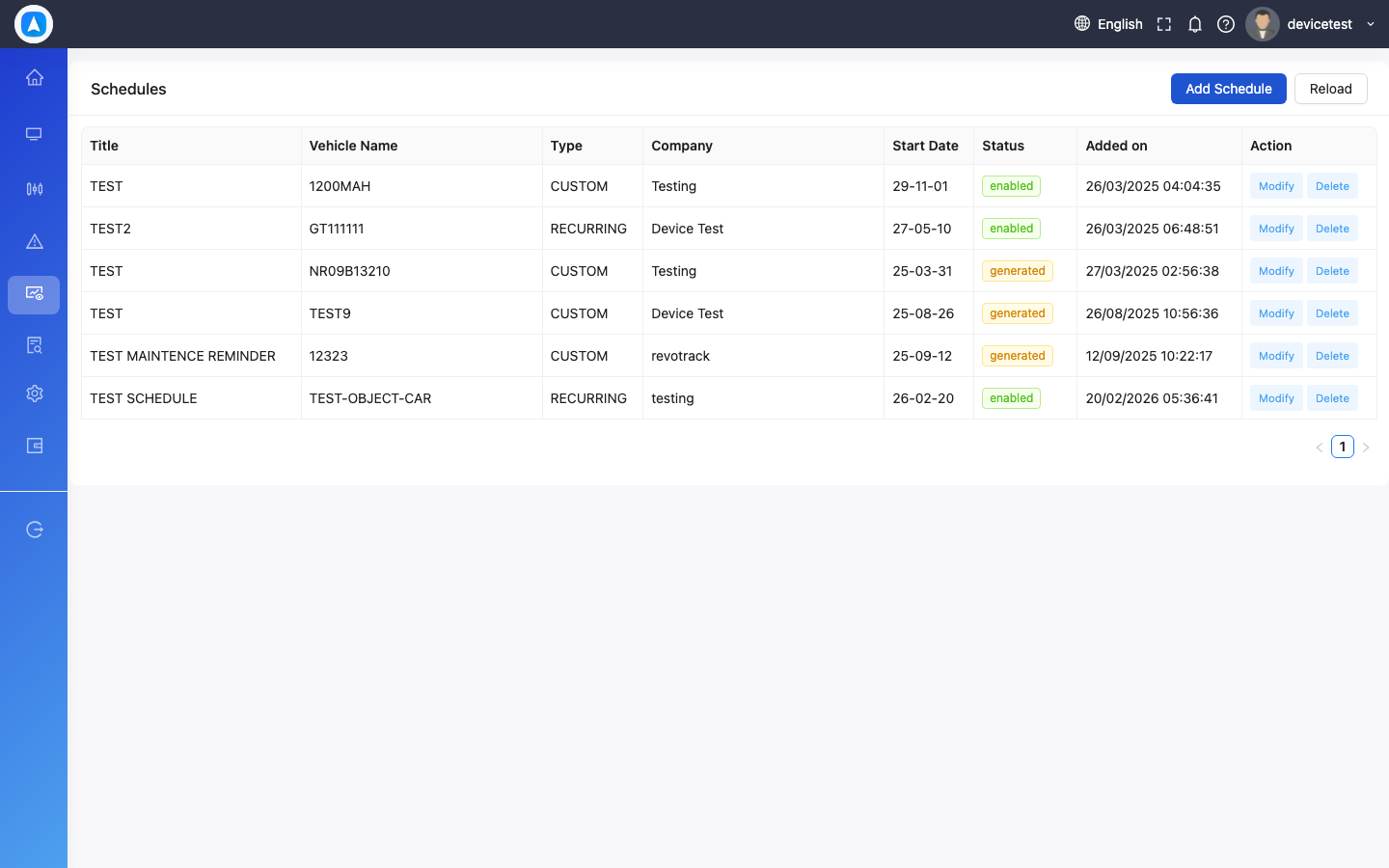
Maintenance Schedules (Web)
- Navigate to Maintenance > Schedules
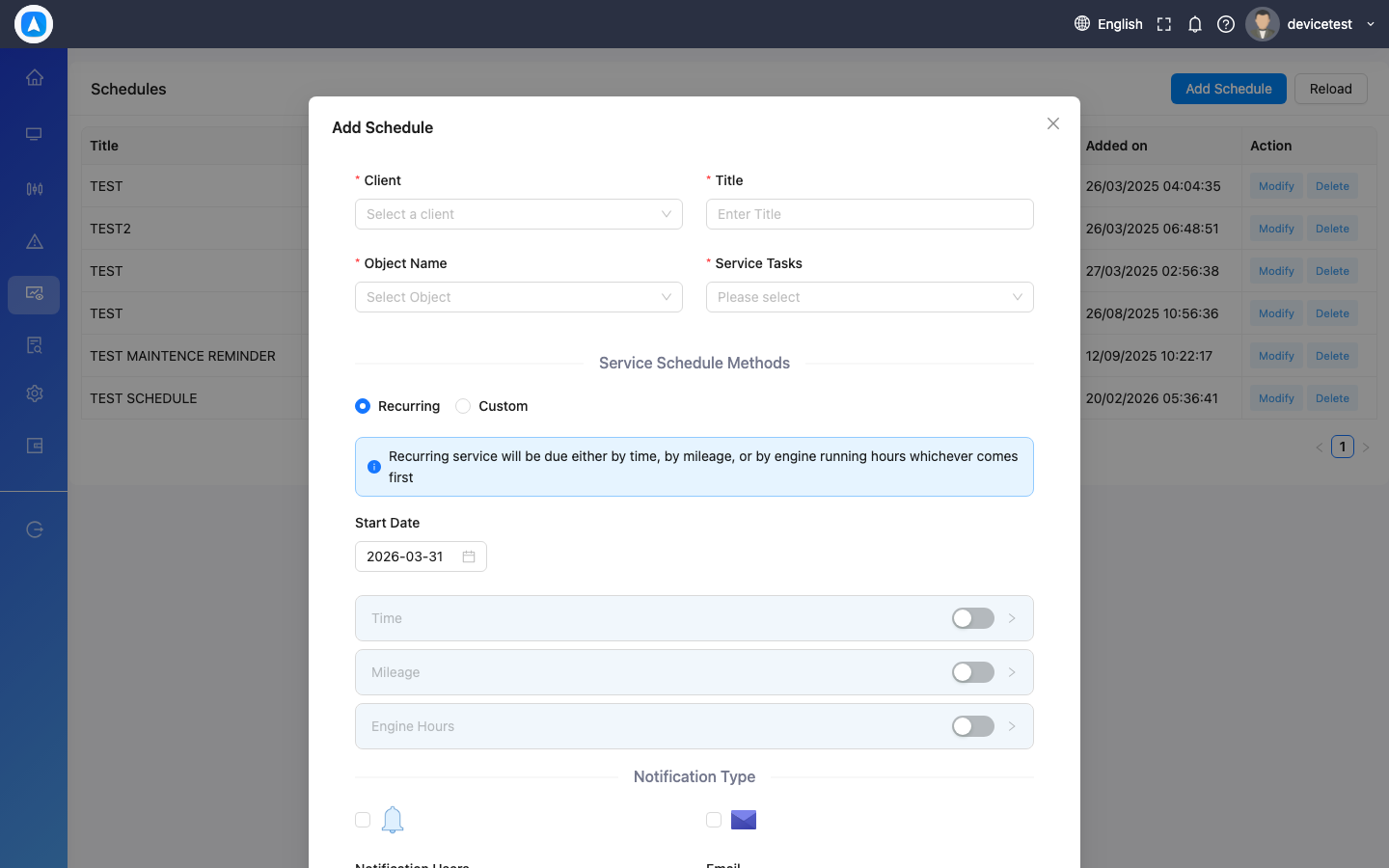
- Click Add Schedule
- Select the vehicle and maintenance type (Oil Change, Tire Rotation, Service, etc.)
- Set the trigger: by date, by mileage, or both
- Set recurrence (one-time or repeating)
- The system alerts you when maintenance is due
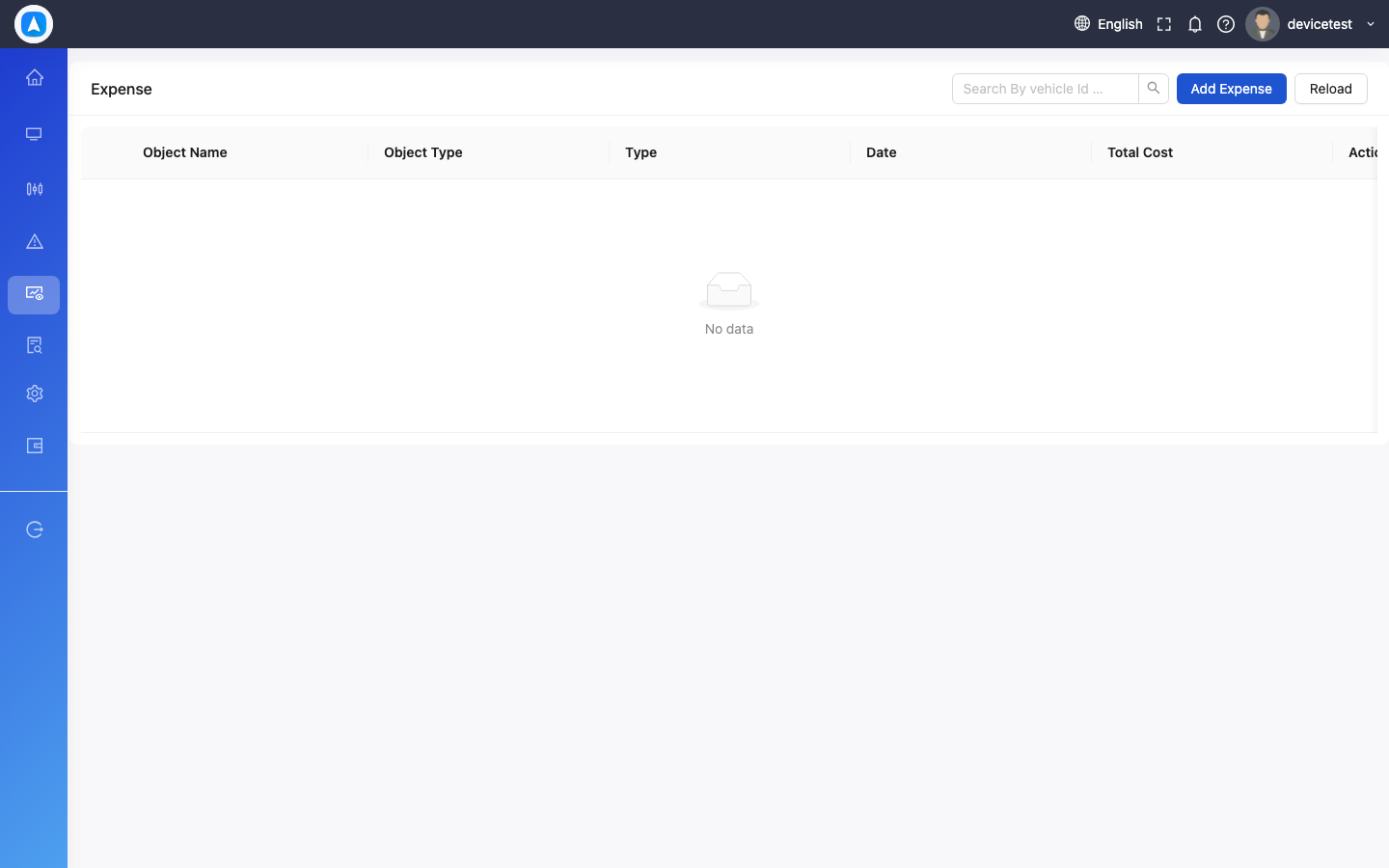
Expense Tracking
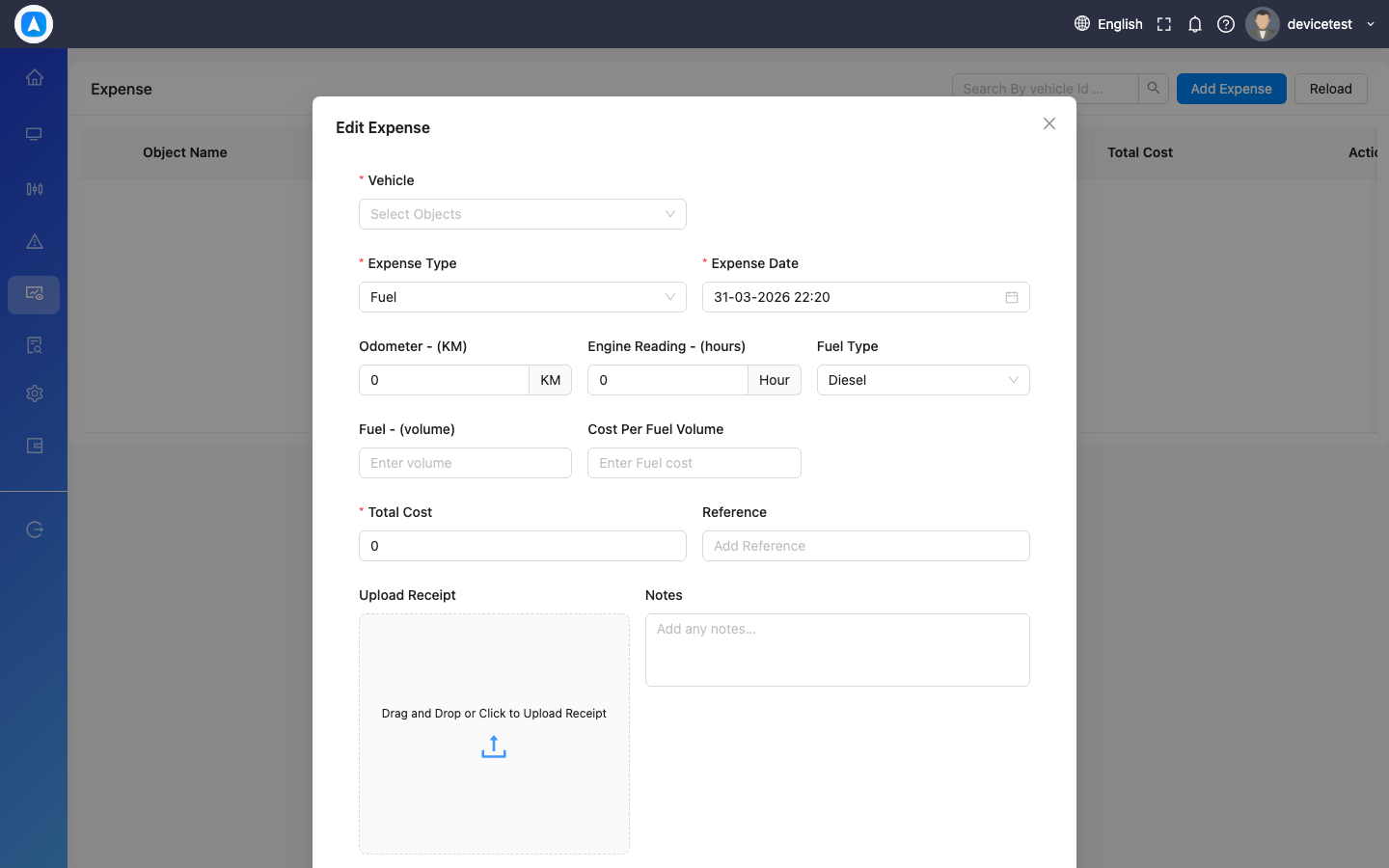
- Navigate to Expenses
- Click/tap Add Expense
- Select vehicle, category (Fuel, Service, Insurance, etc.), amount, date
- Optionally attach a receipt photo
- Save
View expense history with filtering by vehicle, category, or date range.
Maintenance Schedules
Add Schedule Form
Expense Tracking
Add Expense Form