Geofences
Geofences are virtual boundaries on the map. Get notified when vehicles enter or leave these zones.
Video Tutorial
Creating a Geofence
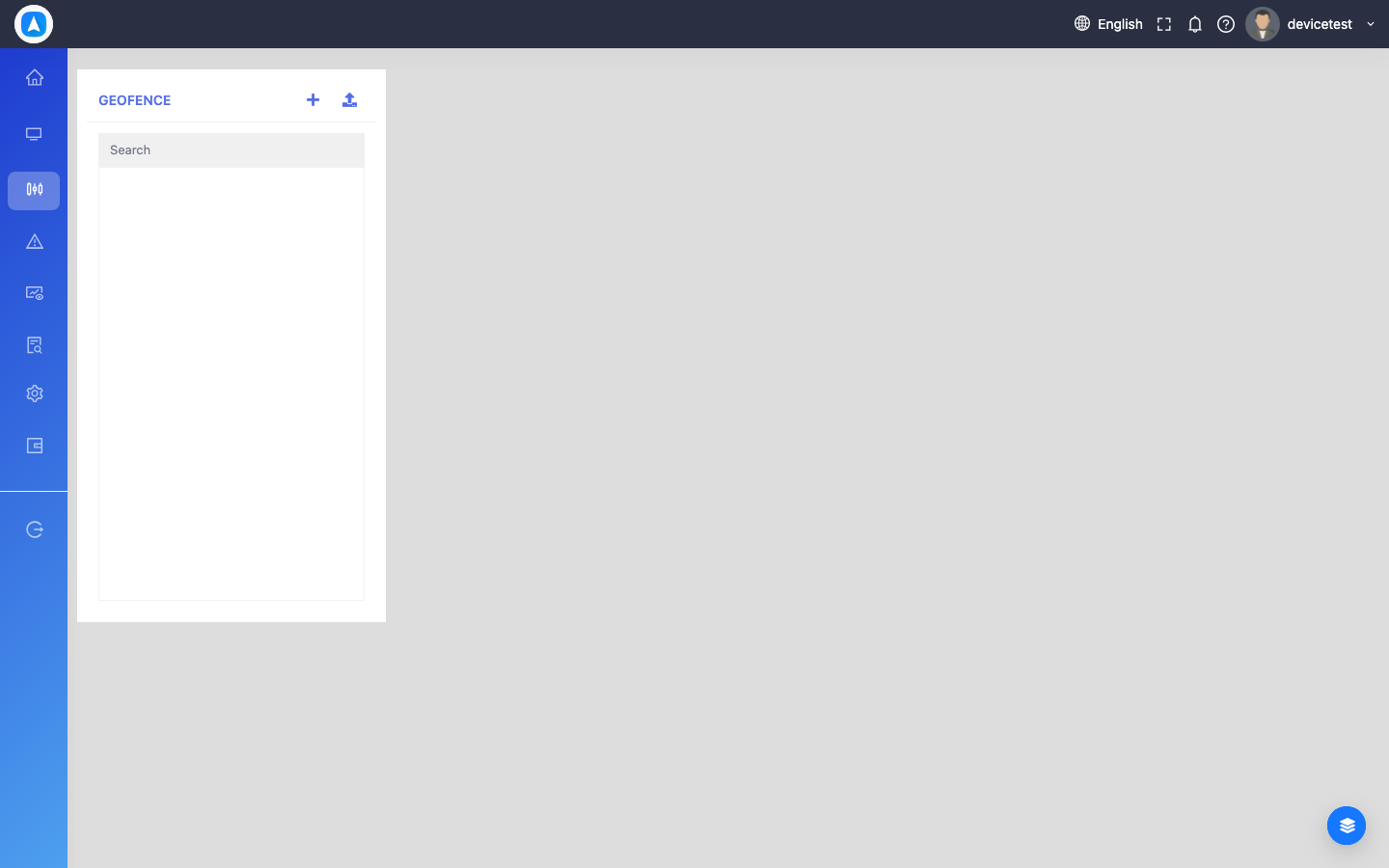
- Navigate to Geofences (Web: GeoJsons > Geofence, Mobile: More > Geofence)
- Click/tap Add New Geofence
- Choose the shape:
- Circle — Set a center point and radius
- Polygon — Draw a custom shape by placing points on the map
- Name the geofence (e.g., "Office", "Warehouse", "Customer Site")
- Save
Managing Geofences
- View all geofences on the list or map
- Edit name, shape, or size
- Delete geofences no longer needed
- Link geofences to alerts for entry/exit notifications
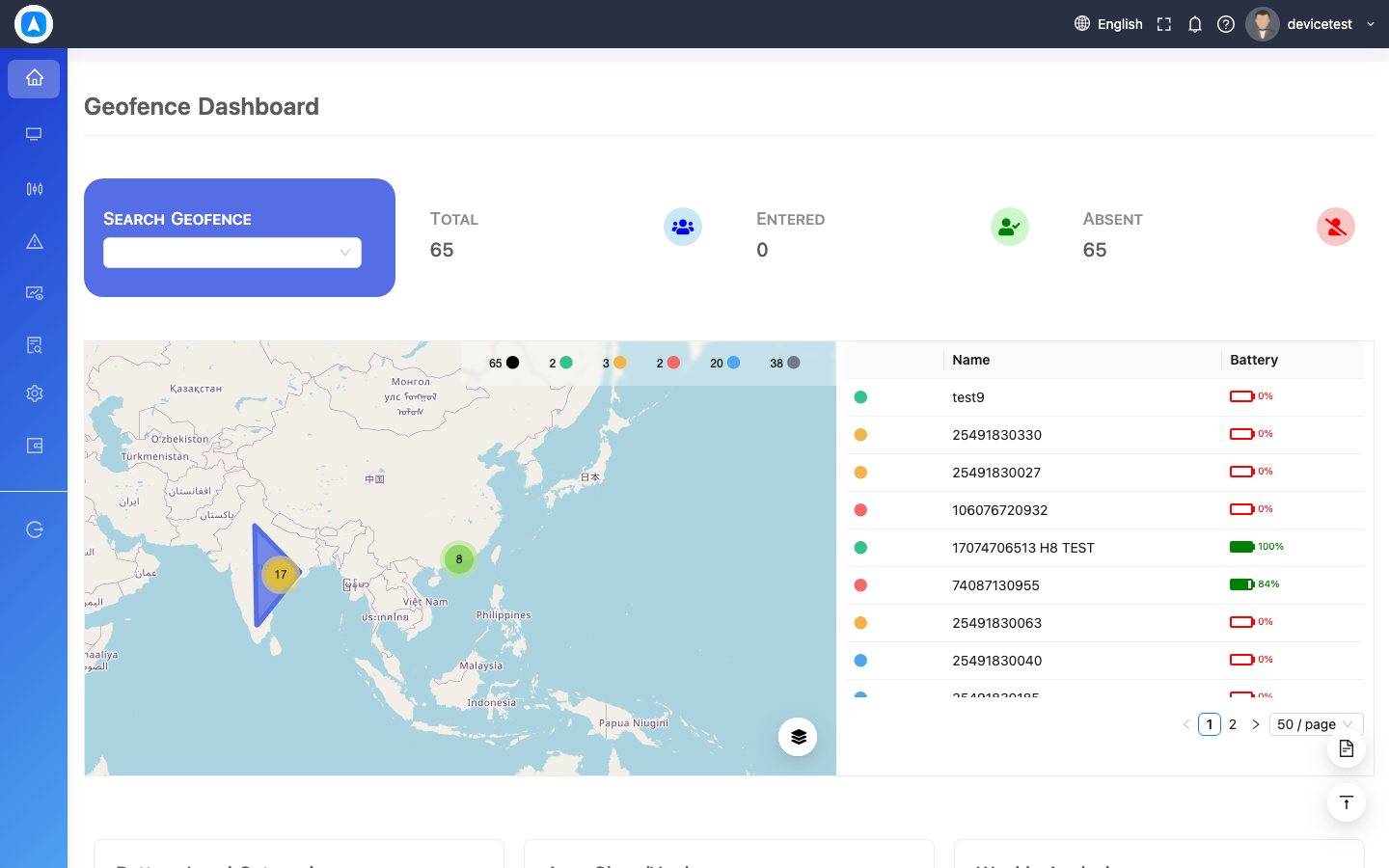
Geofence Dashboard (Web Only)
A dedicated analytics dashboard showing:
- Entry/exit event counts per geofence
- Visit frequency charts
- Dwell time analysis (how long vehicles spend inside each zone)
- Map visualization with geofence data overlay
Geofence Map View
Geofence Dashboard