Video Surveillance
For vehicles equipped with cameras, Traqcare provides live and recorded video access, audio monitoring, and two-way communication.
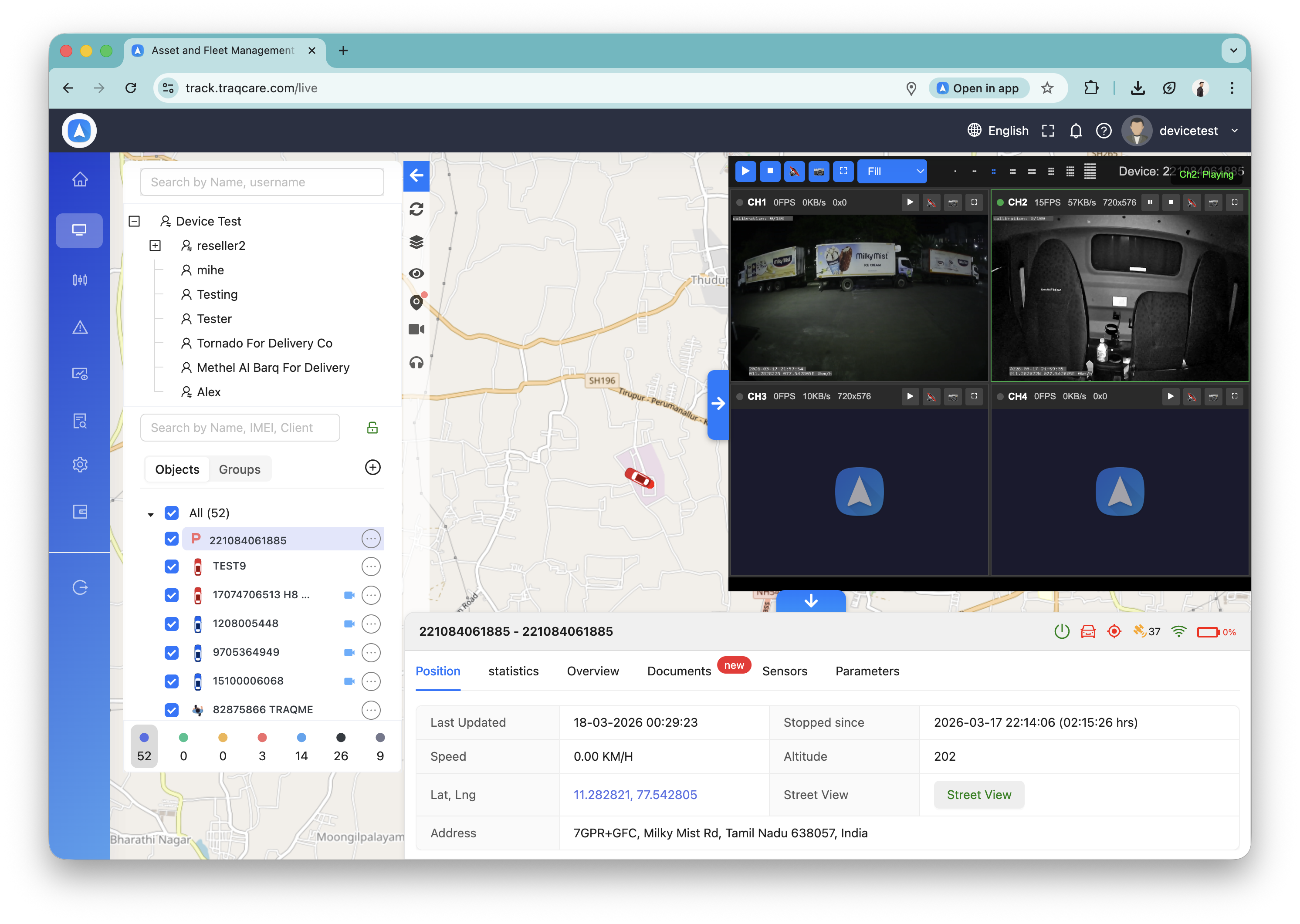
| Feature | Description | Web | Mobile |
|---|---|---|---|
| Live Video | Stream real-time video from vehicle cameras | Yes | Yes |
| Video Playback | Review recorded footage with timeline controls | Yes | Yes |
| History File Upload | Upload recordings from device to cloud (S3) | Yes | Yes |
| History File Download | Download recordings as MP4 files | Yes | Yes |
| Voice Monitor | Listen to live audio from in-vehicle microphone | Yes | Yes |
| Two-Way Intercom | Speak to vehicle and hear response | Yes | Yes |
| Device Images | View snapshots captured by the device camera | Yes | Yes |
| Multi-Camera | View multiple camera feeds simultaneously | Yes | Yes |
| AI Alert Evidence | Play ADAS/DSM event videos | Yes | Yes |
| Auto-Stop on Exit | Stops device streaming when you leave the page | Yes | Yes |
Video Playback
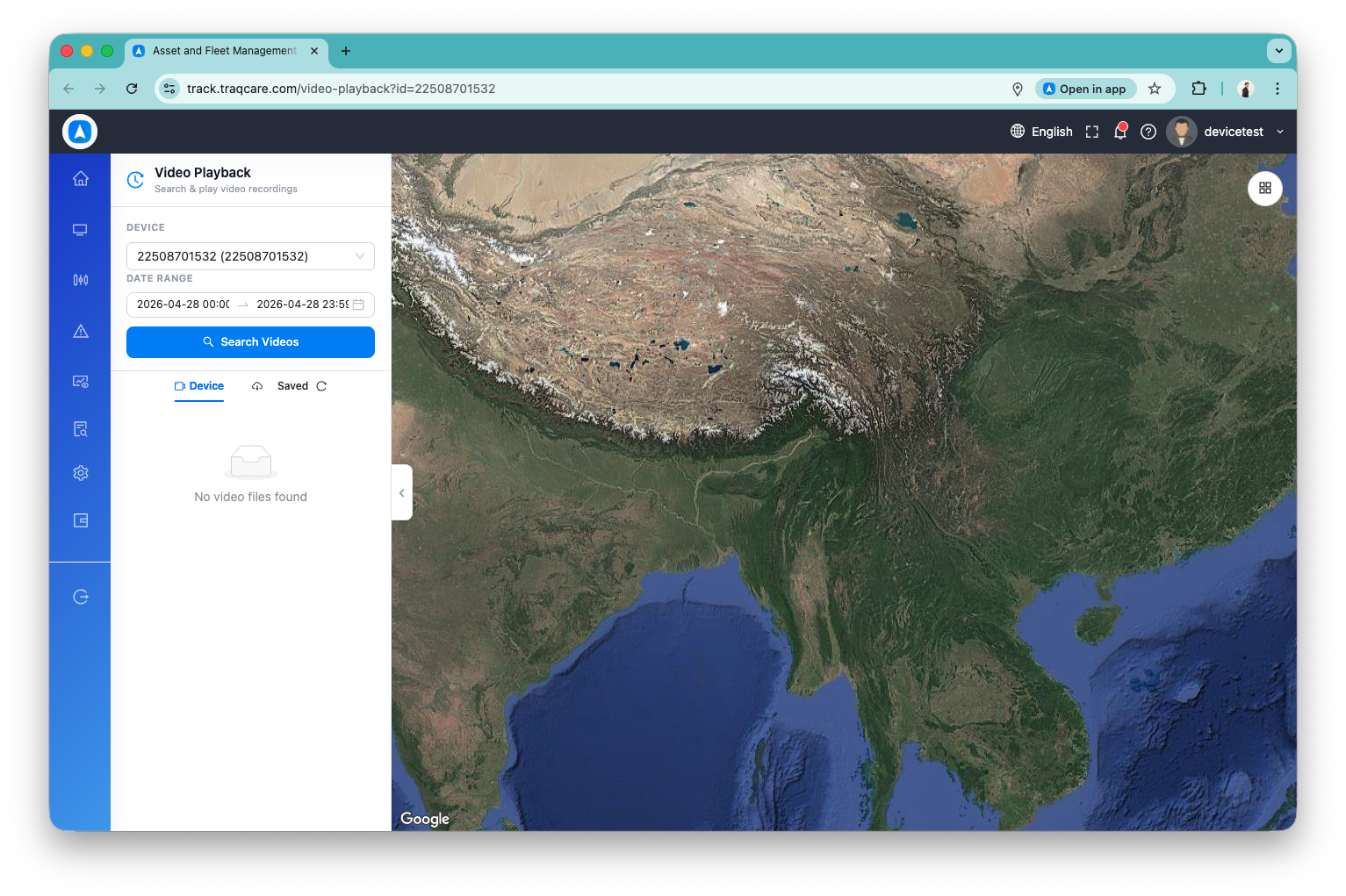
Video History Files
The video history screen lists all recorded video files stored on the device's SD card, organized by date and channel.
Upload to Cloud
Upload a recording to cloud storage so it can be accessed later from the Saved tab. The device transfers the file in the background via FTP — you can leave the screen while it uploads.
Download Recording
Download a recording as an MP4 file. The video server records the device stream and converts it in the background. On mobile, downloads continue even if you navigate to other screens.
Saved Tab
Lists all cloud-uploaded recordings for the device. Each entry shows channel, time range, and allows playback or download.
Voice Monitor
Listen to live audio from the vehicle's microphone:
- Open any camera-equipped vehicle
- Tap Monitor
- Audio streams in real time with a visual waveform indicator
- Tap Stop to end — the device automatically stops streaming
Two-Way Intercom
Communicate with the vehicle driver:
- Open any camera-equipped vehicle
- Tap Intercom
- Speak through your phone — audio plays on the vehicle's speaker
- Hear the vehicle's microphone audio simultaneously
- Tap End Call to disconnect
On iOS, ensure the app has microphone permission in Settings > Privacy & Security > Microphone. The permission dialog appears on first use.
Auto-Stop on Exit
When you close the video page, lock your phone, or switch apps, all video and audio streams are automatically stopped. This prevents the device from continuing to stream data when no one is watching, saving bandwidth and device resources.
AI Alert Evidence
ADAS and DSM alert events include video evidence clips. Tap any evidence attachment to play it directly in the built-in video player with portrait/landscape toggle.