Live Tracking
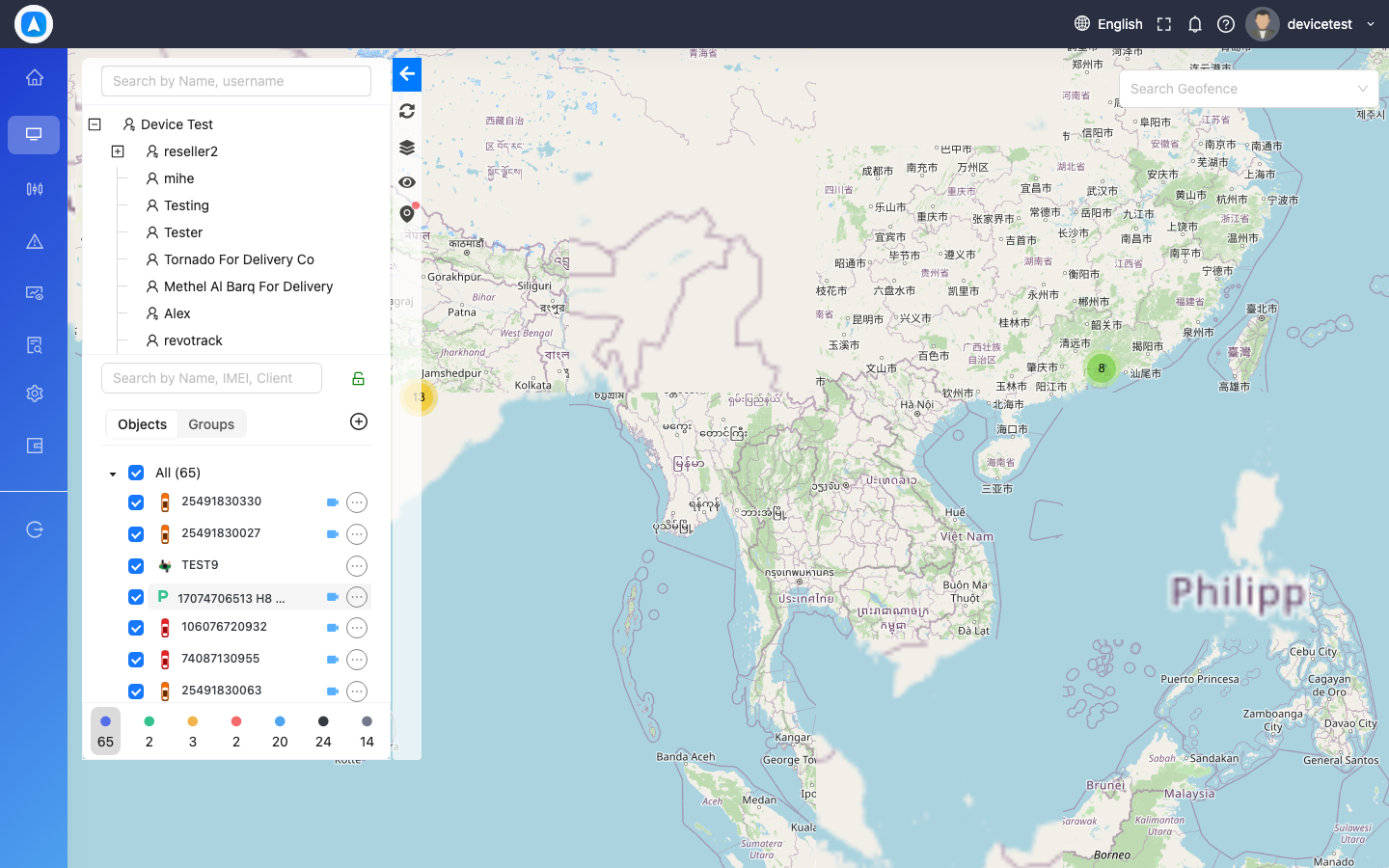
The Live Tracking module is the core of Traqcare, giving you a real-time view of every vehicle and asset in your fleet. Whether you are monitoring from your desktop or on the go with the mobile app, Live Tracking keeps you connected to your fleet at all times.
Video Tutorial — Live Map & Video
What You Can Do
- View all vehicles on a map with color-coded status markers
- Browse a filterable list of vehicles with live status, speed, and location
- Track a single vehicle in detail with sensor data, driver info, and quick actions
- Share a live location link with anyone -- no login required
Sections
| Section | Description |
|---|---|
| Map View | Interactive map with vehicle markers, clustering, and multiple map types |
| Object List | Filterable list of all vehicles with status, speed, and address |
| Single Object Tracking | Focused view of one vehicle with full details and quick actions |
| Share Location | Generate shareable live location links with auto-expiry |
| Search Nearby | Find vehicles and POIs within a radius of any vehicle, POI, or address |
info
Live Tracking data updates automatically every few seconds. No manual refresh is needed on either web or mobile.
Getting Started
- Log in to the Traqcare web app or mobile app.
- Navigate to Live Tracking from the sidebar (web) or bottom navigation bar (mobile).
- You will see all your vehicles displayed on the map by default.
tip
Use the Object List view if you manage a large fleet. Filtering by status (Moving, Idle, Stopped, Offline) makes it easy to find specific vehicles quickly.