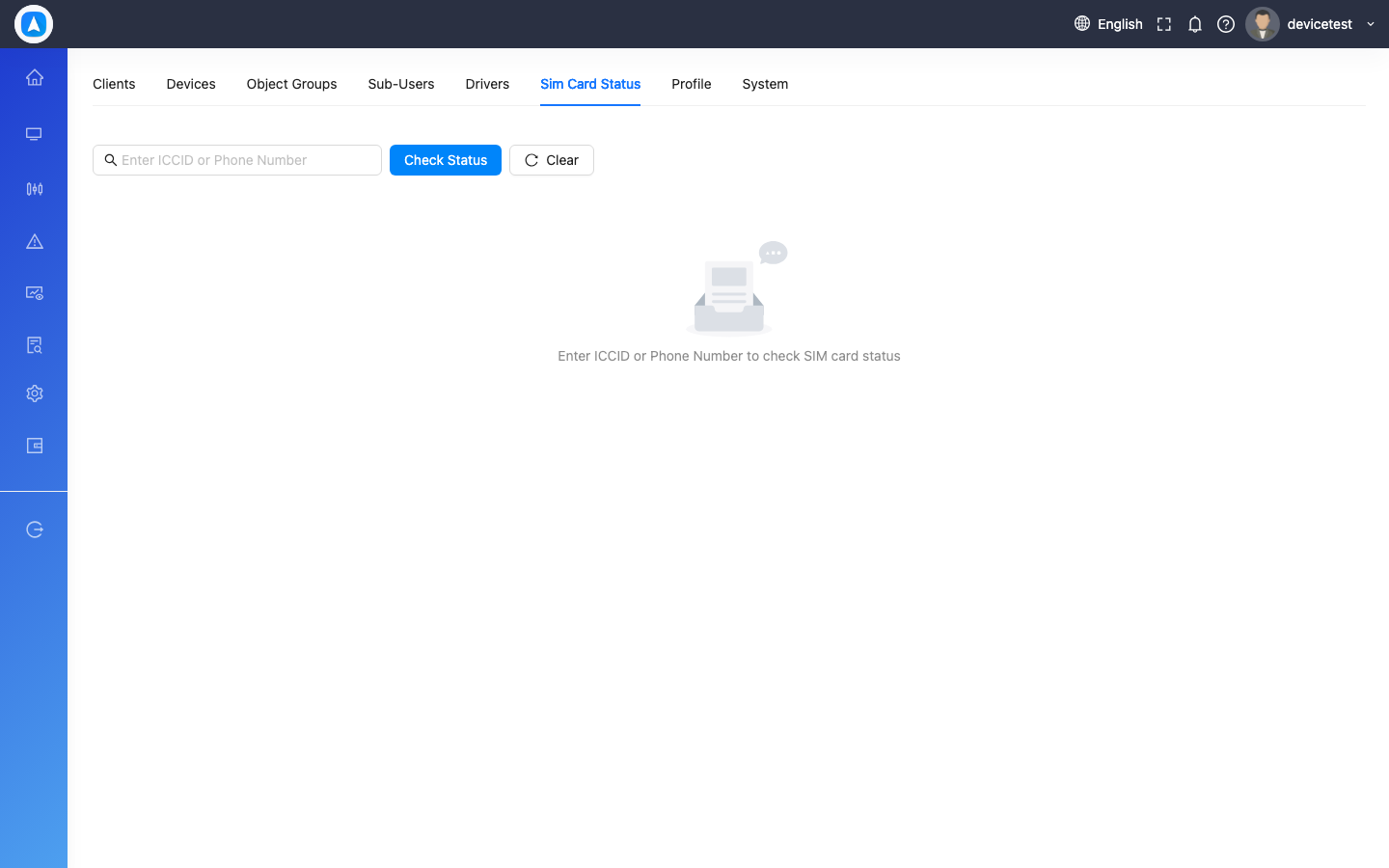
Settings
Web Settings
Access via Settings in the sidebar. Organized into tabs:
| Tab | Options |
|---|---|
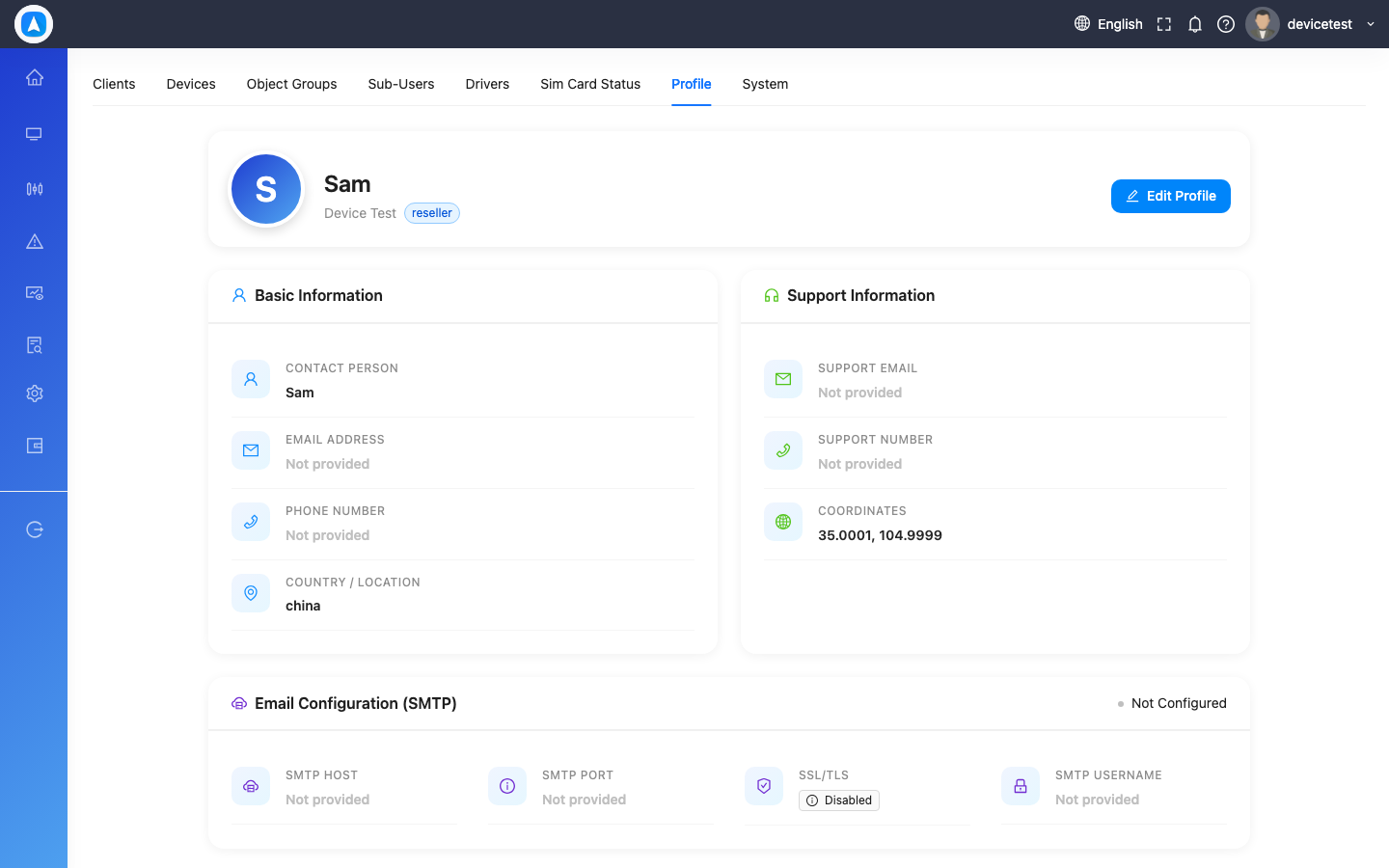
| Profile | Name, email, phone, address, country, password |
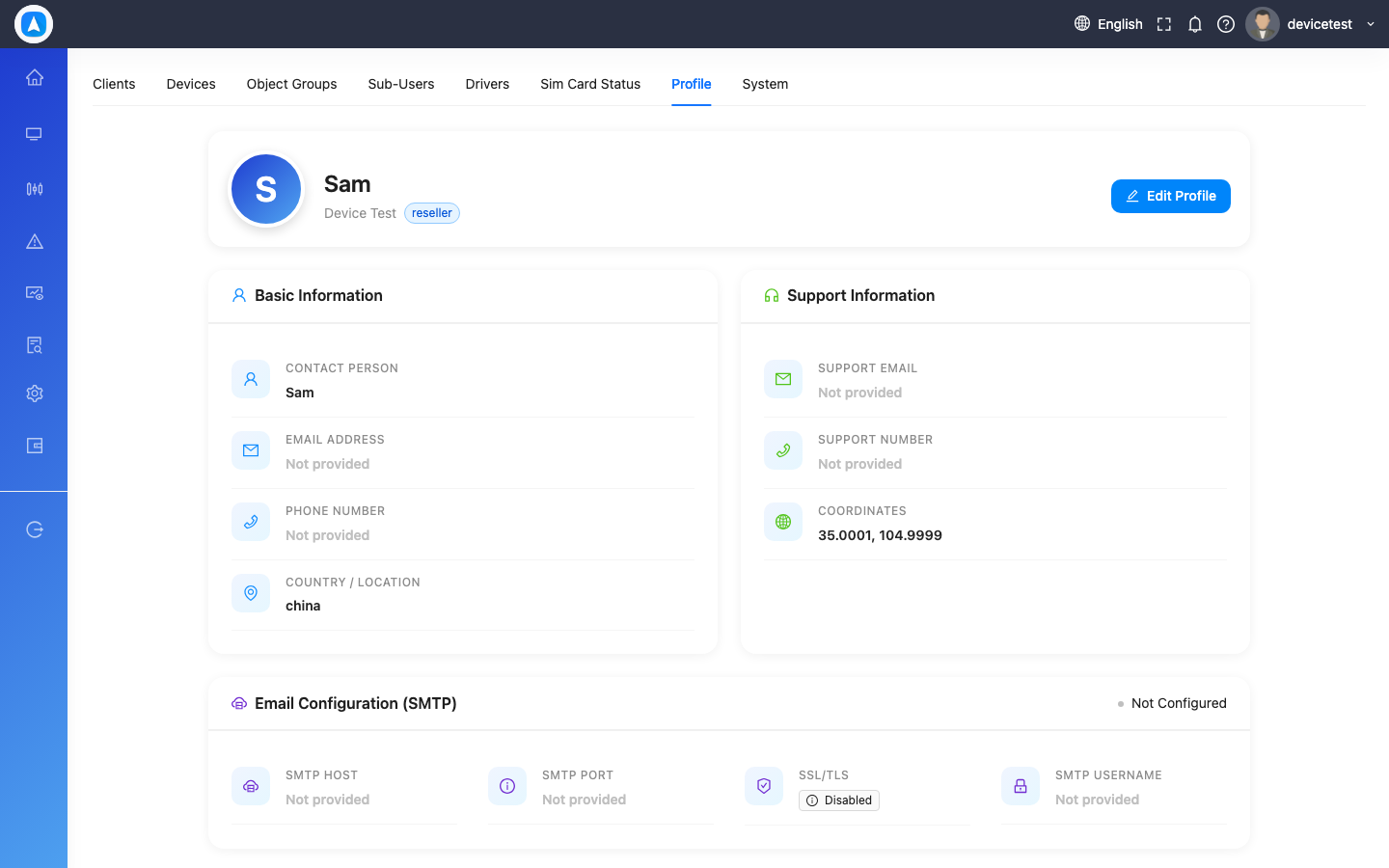
| System | Language, timezone, cache, theme |
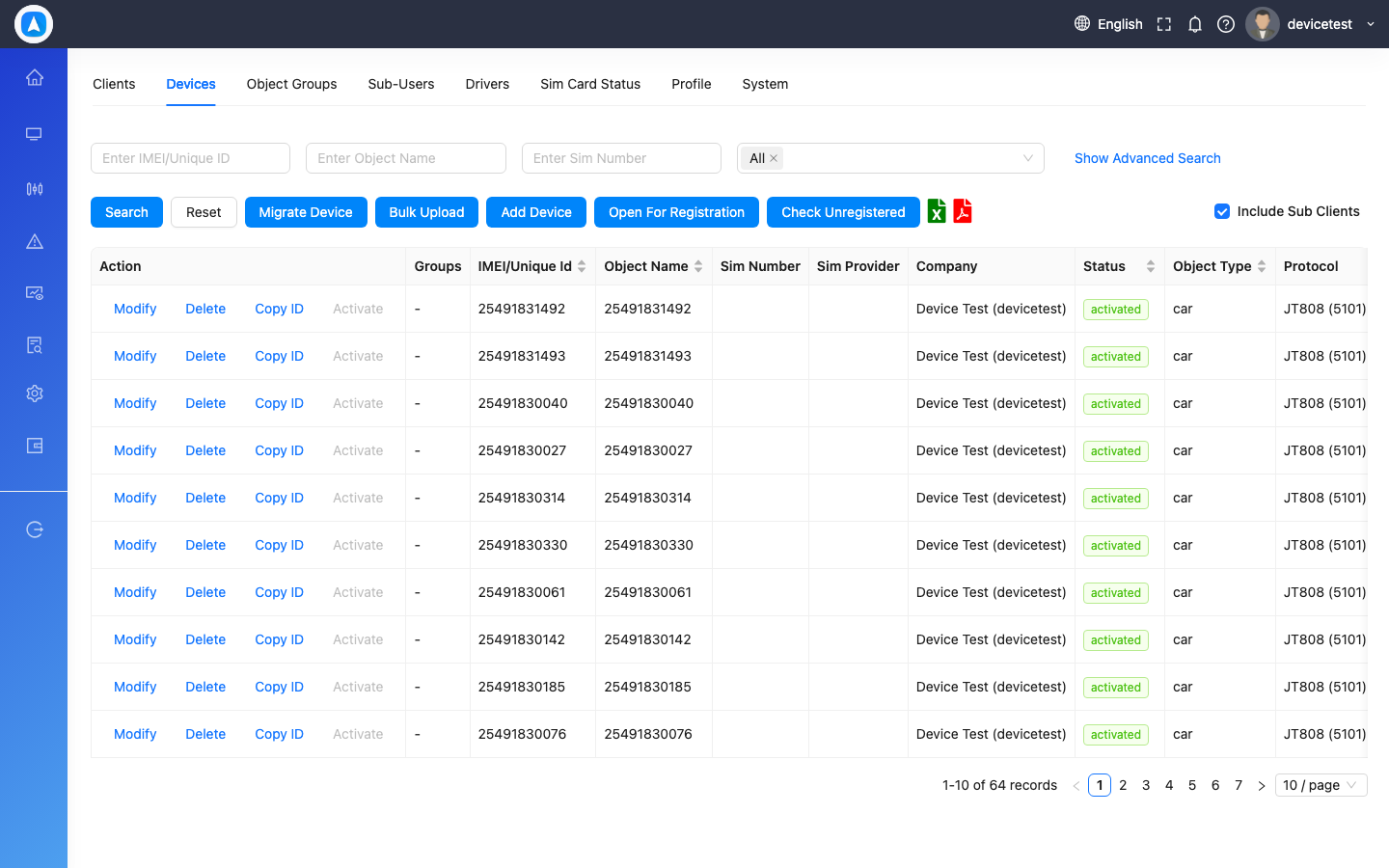
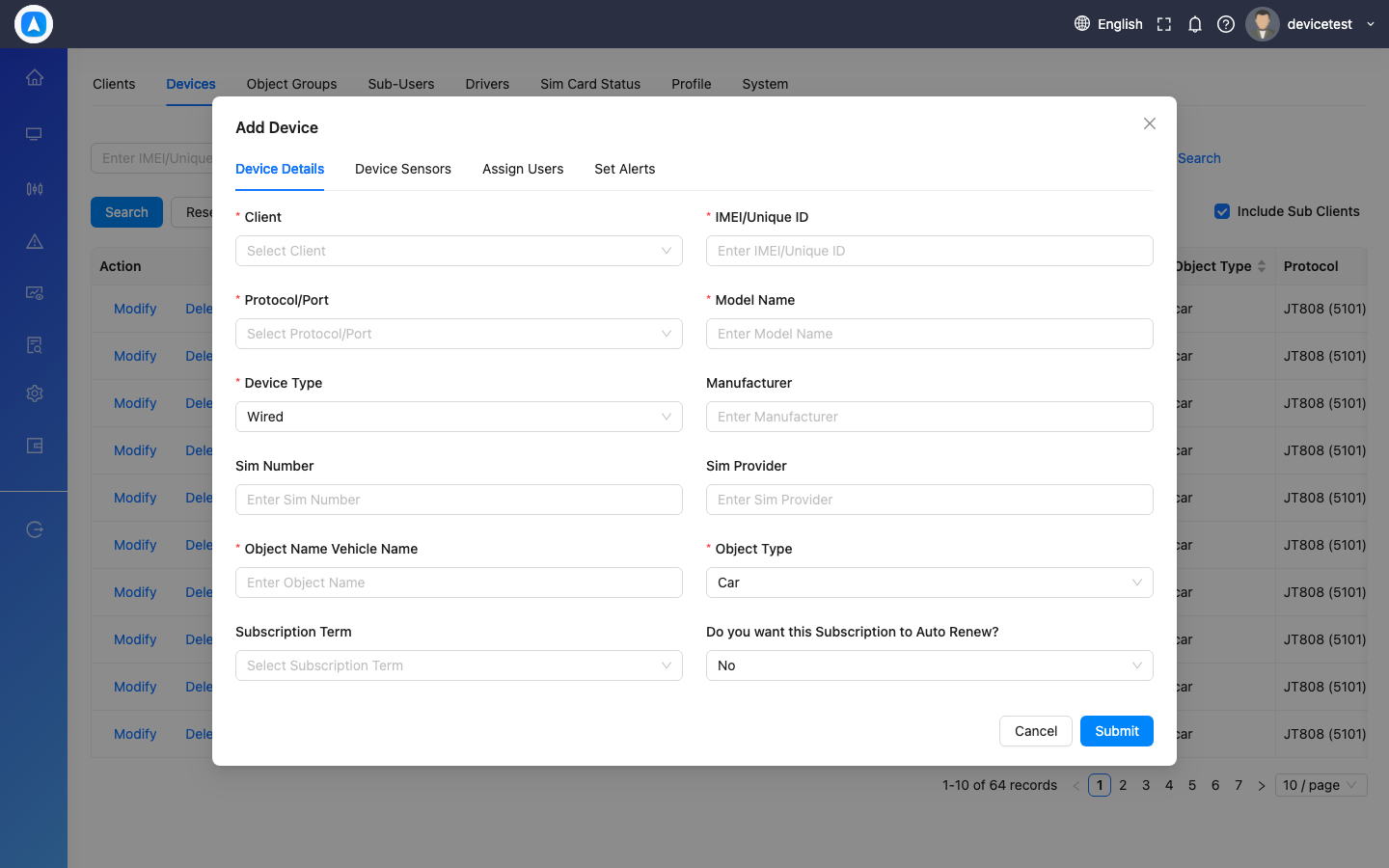
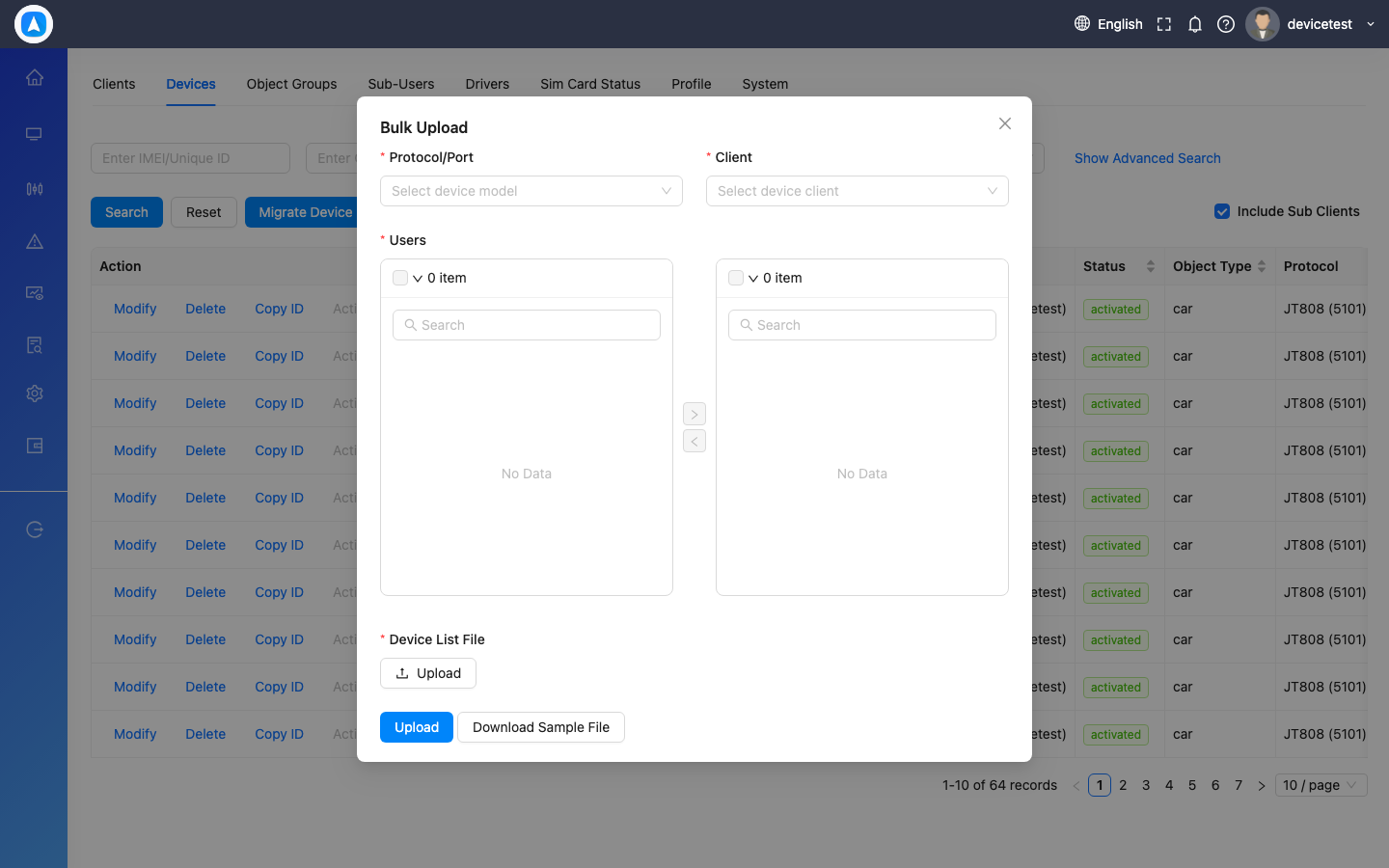
| Devices | Add/edit/remove devices, sensor config, bulk upload |
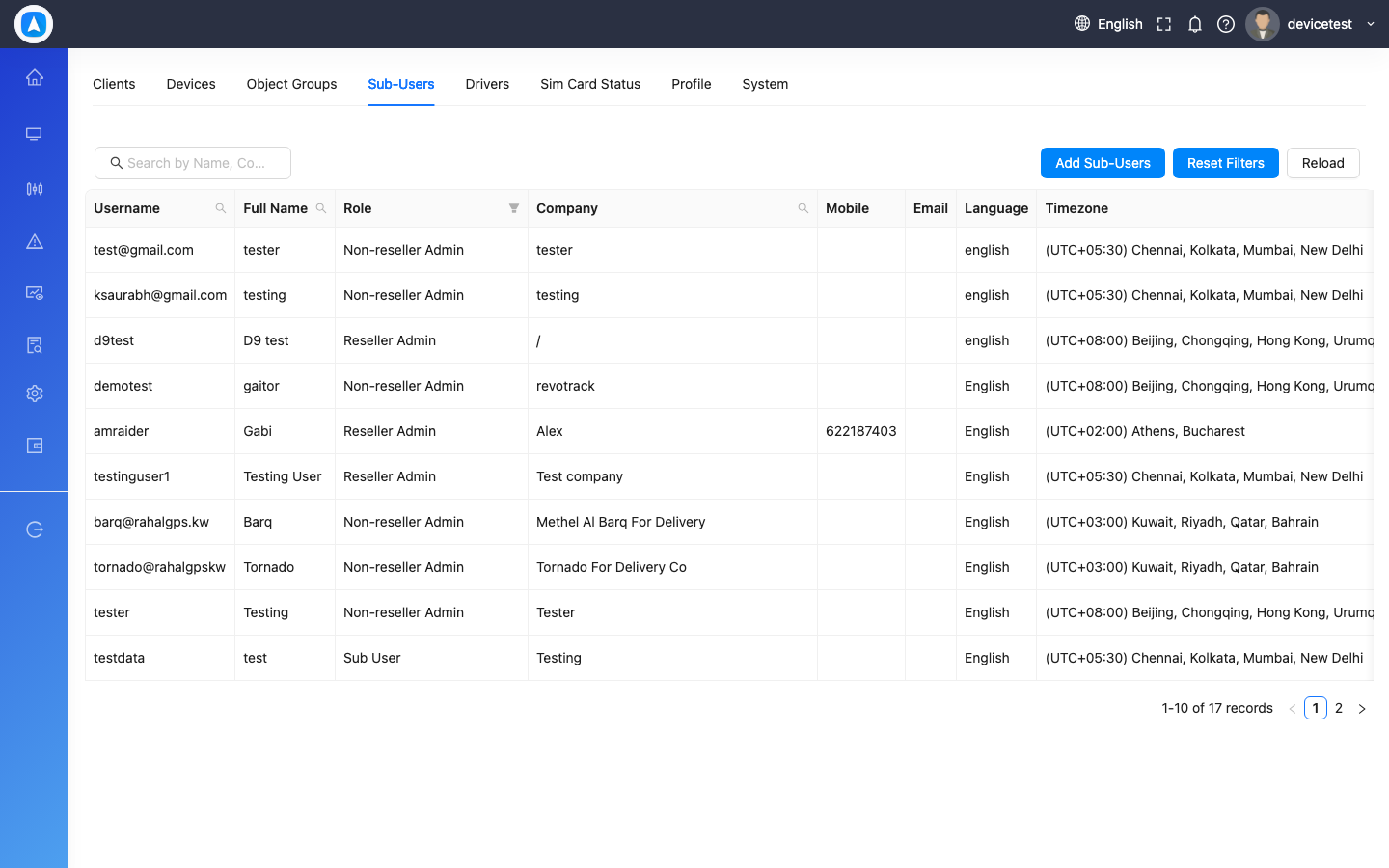
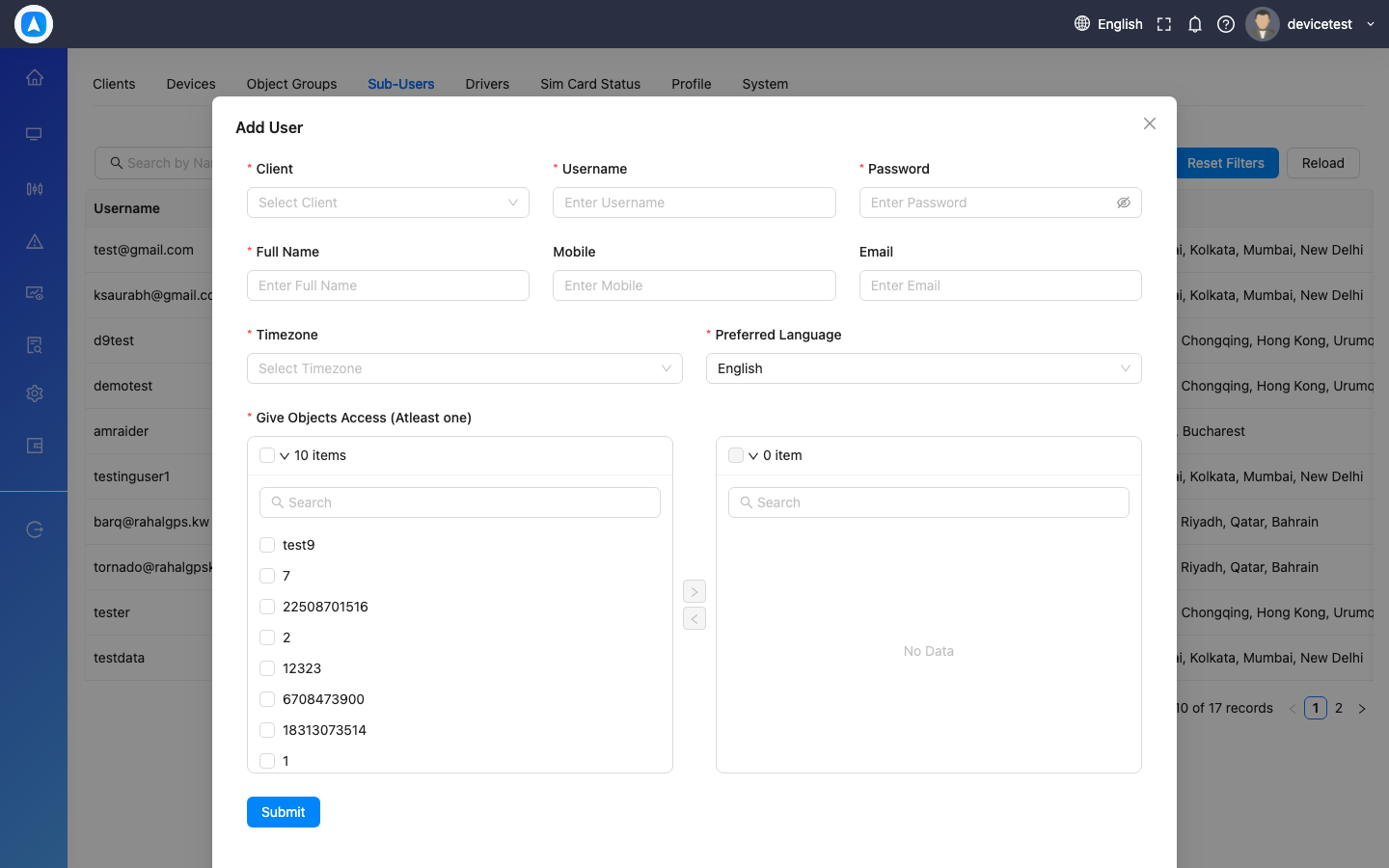
| Sub-Users | User management and role assignment |
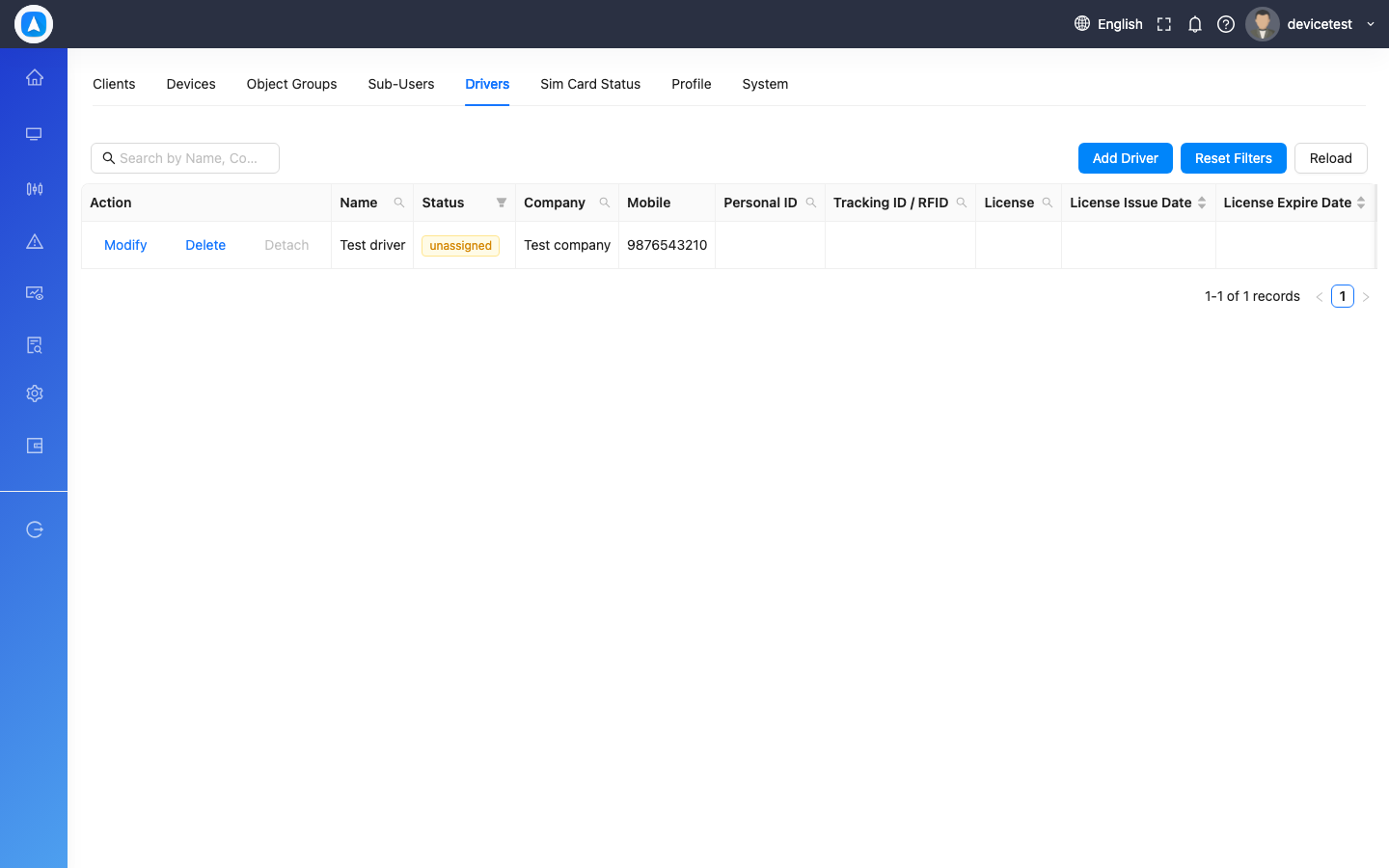
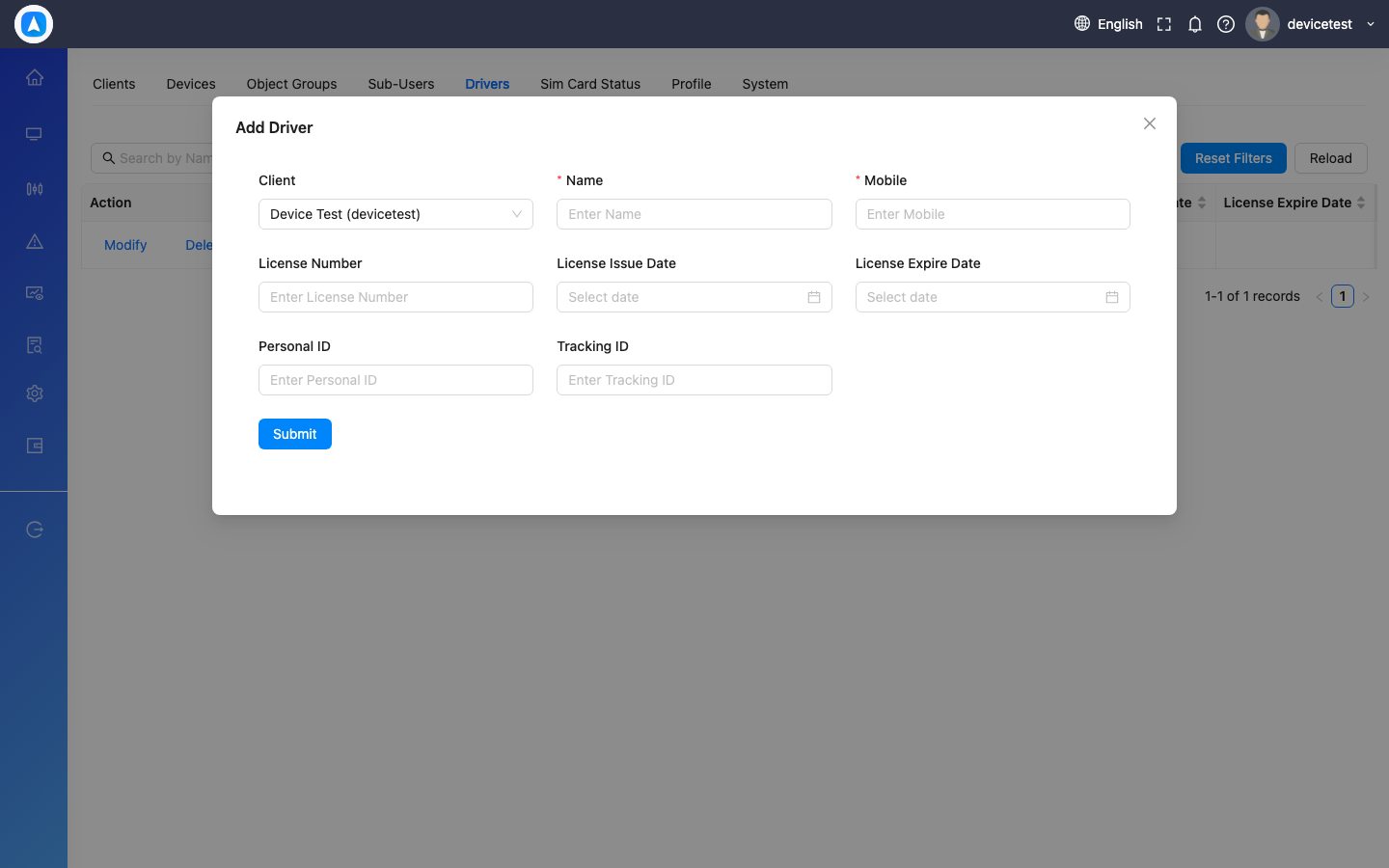
| Drivers | Driver profiles and vehicle assignments |
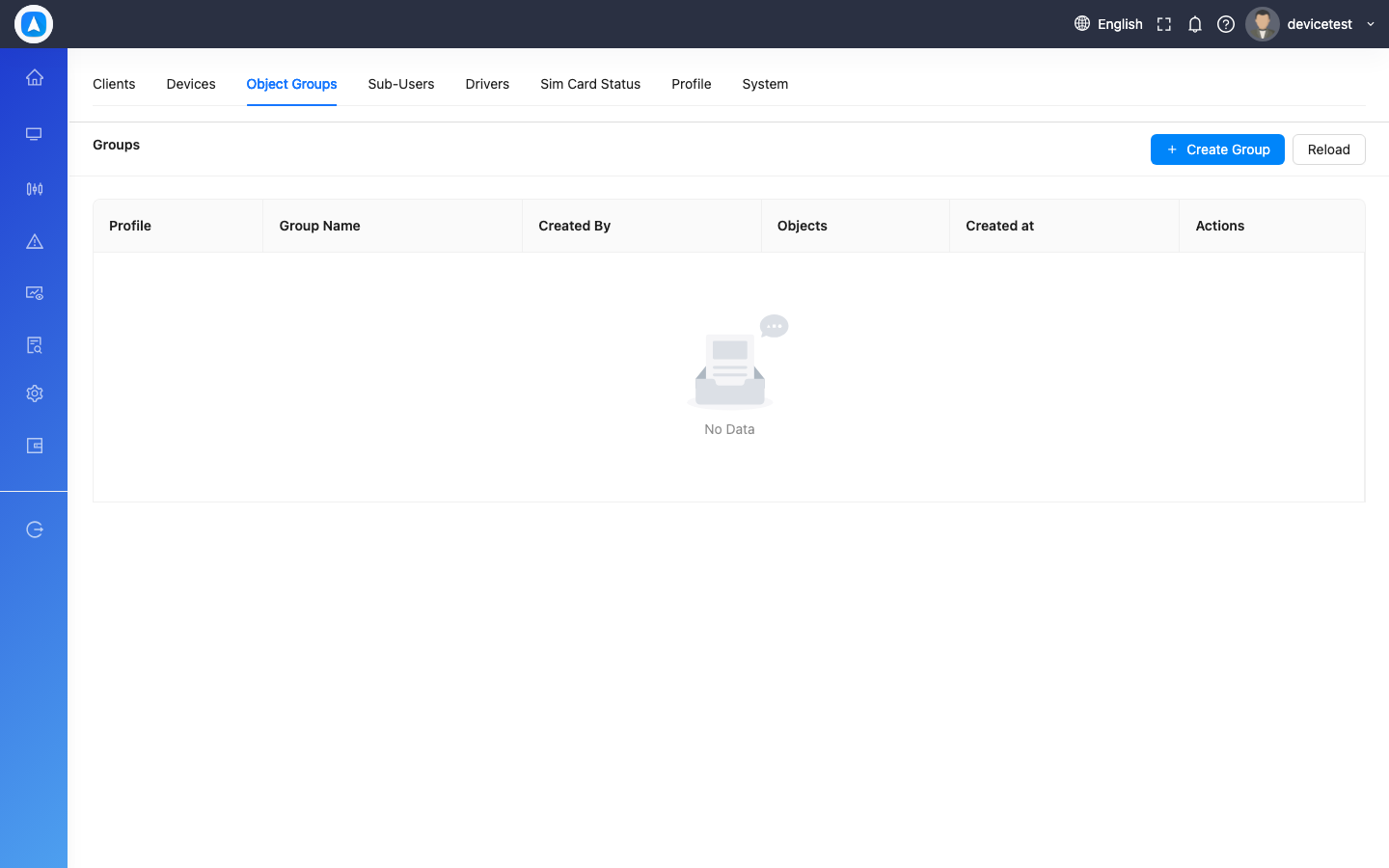
| Object Groups | Vehicle group organization |
| User Role | Role-based access configuration (Admin) |
| Clients | Client management (Reseller) |
| SIM Card Status | SIM card management (Reseller) |
Mobile Settings
Access via the More tab. Available options:
| Setting | Description |
|---|---|
| Notifications | Toggle push notifications on/off |
| Voice Alerts | Enable spoken alert notifications |
| Include Sub-Clients | Show sub-client vehicles (Reseller only) |
| Alert Configuration | Configure alert types and thresholds |
| Home Screen | Choose default: Dashboard, List, or Map |
| Language | Choose from 13+ languages |
| Distance Unit | Switch between Kilometers and Miles |
| Change Password | Update your account password |
| Terms / Privacy | View legal documents |
Screenshots
Settings Page - Devices Tab
Add Device Form
Bulk Upload Form
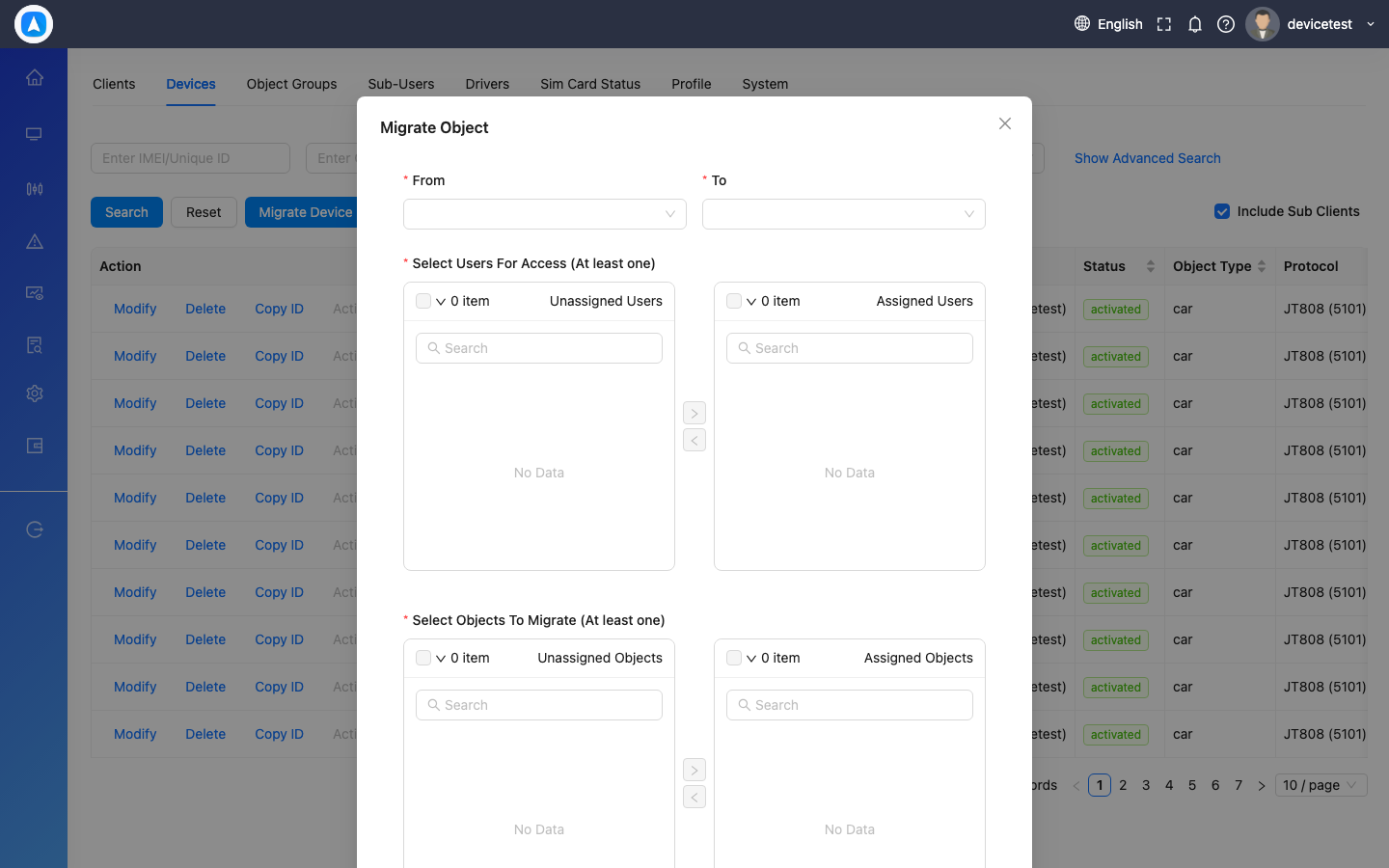
Device Migration Form
Profile Settings
System Settings
Sub-Users Management
Add User Form
Drivers Management
Add Driver Form
Object Groups
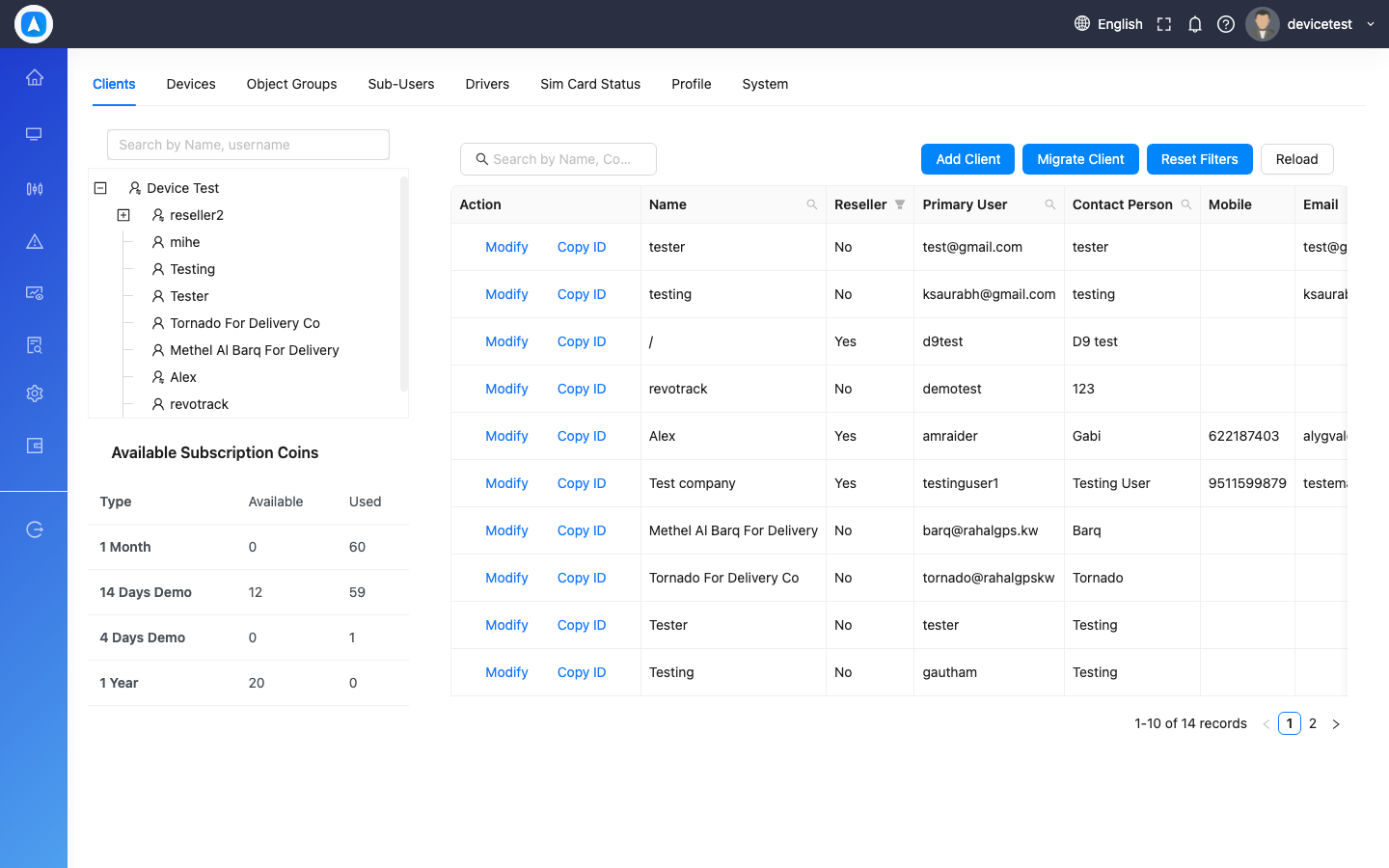
Clients Management
SIM Card Status