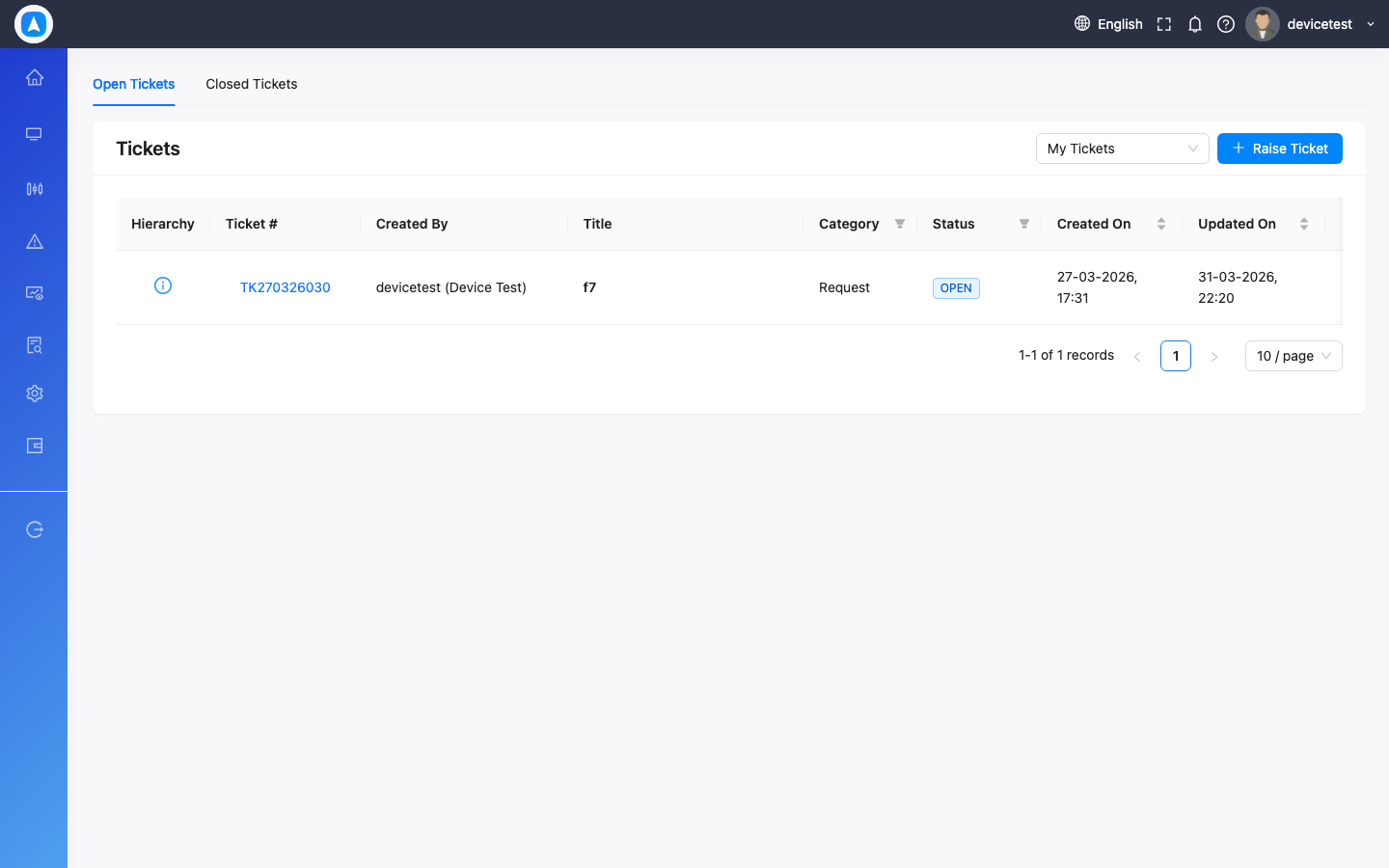
Support & Tickets
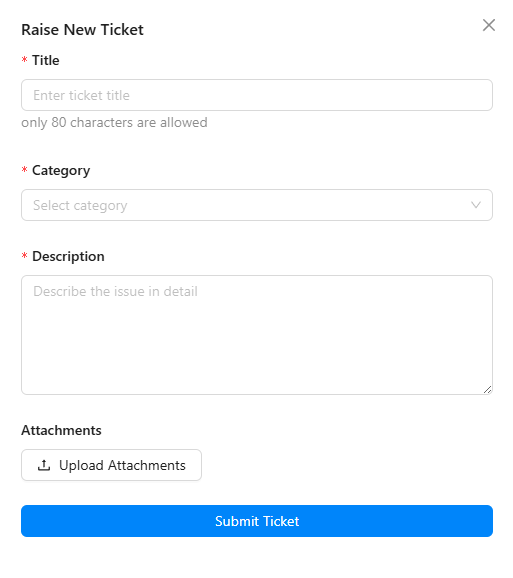
Creating a Ticket
- Navigate to Support Tickets (Web: sidebar, Mobile: More > Support)
- Click/tap Create New Ticket
- Enter a subject and description
- Select the type (Bug Report, Feature Request, Question, etc.)
- Optionally attach screenshots or files
- Submit
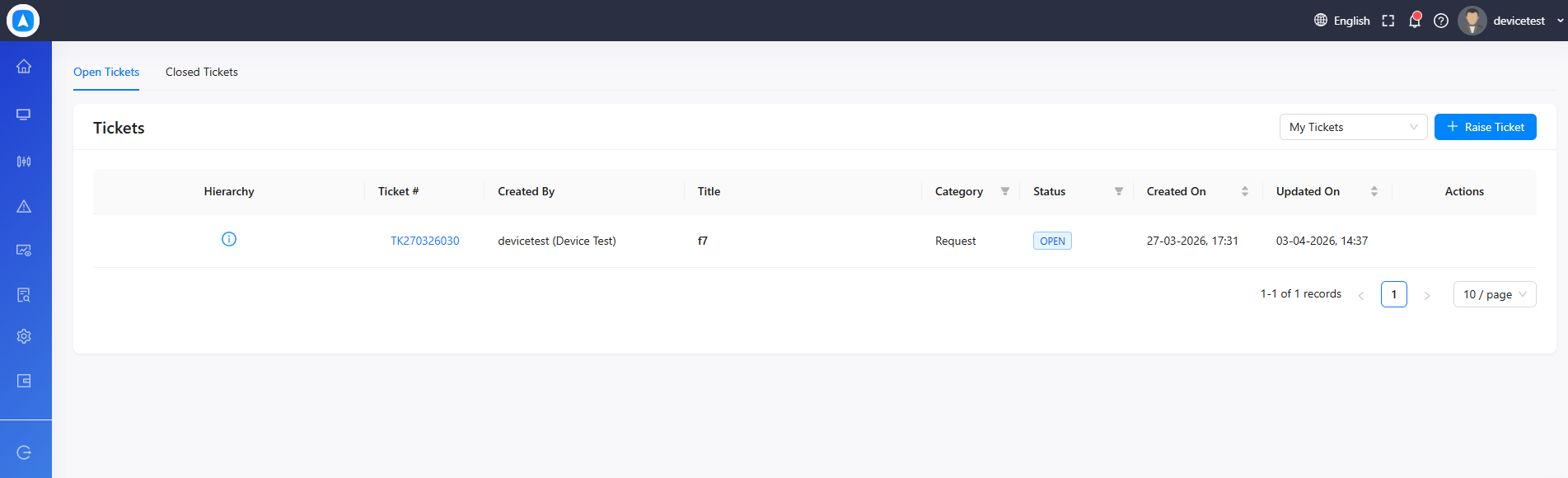
Track your ticket status (Open, In Progress, Closed) and reply within the ticket thread.
Contact Us (Mobile)
For quick support, use More > Contact Us to send a message directly to the support team.
Support Tickets