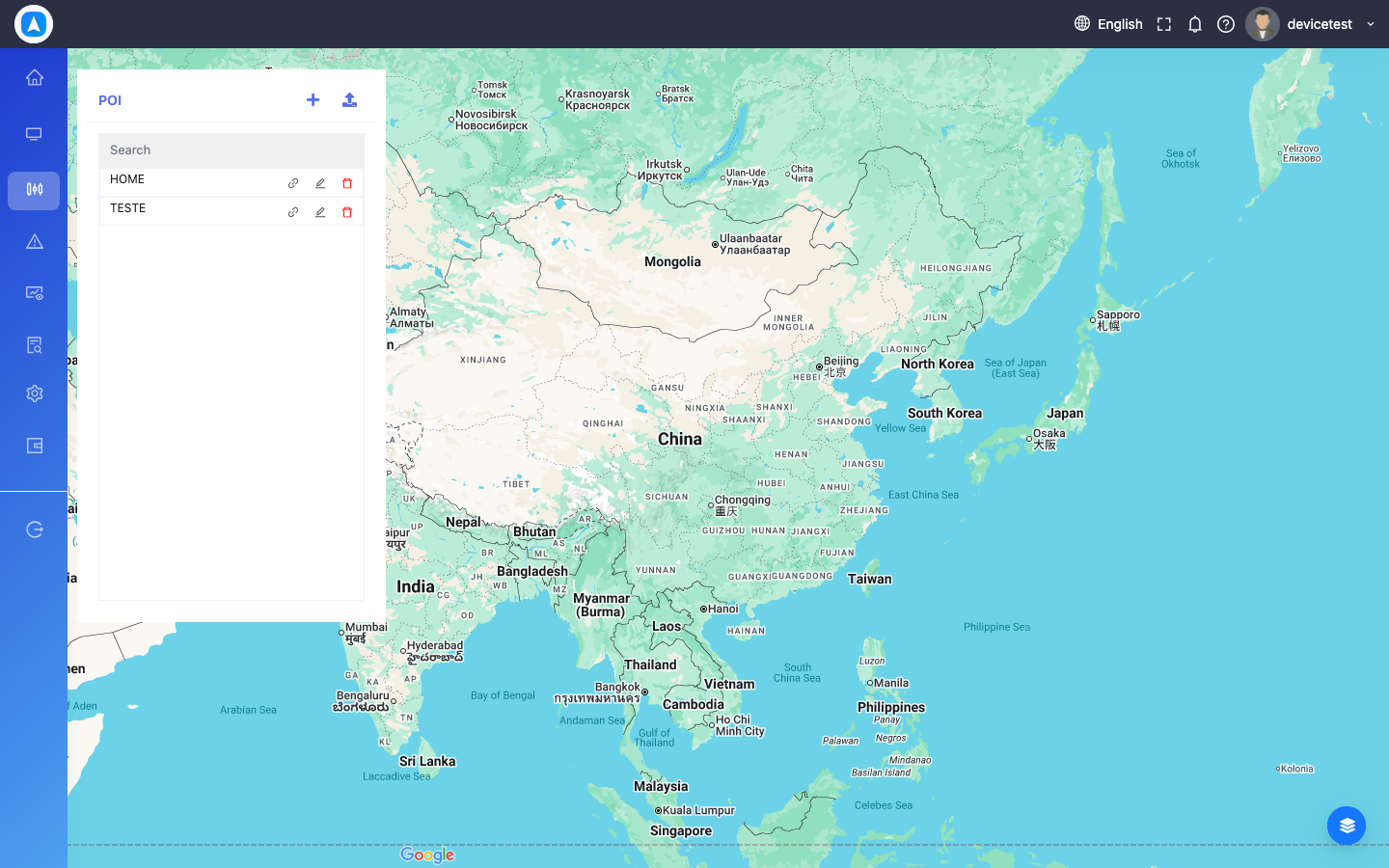
Points of Interest (POI)
Mark important locations on the map for quick reference.
Video Tutorial
Creating a POI
- Navigate to POI (Web: GeoJsons > POI, Mobile: More > POI)
- Click/tap Add New POI
- Place the marker on the map or enter coordinates
- Name the POI (e.g., "Fuel Station", "Client Office")
- Save
POI markers can be toggled on/off on the live tracking map for reference.
POI Map View