Mobile Tracking
Map View
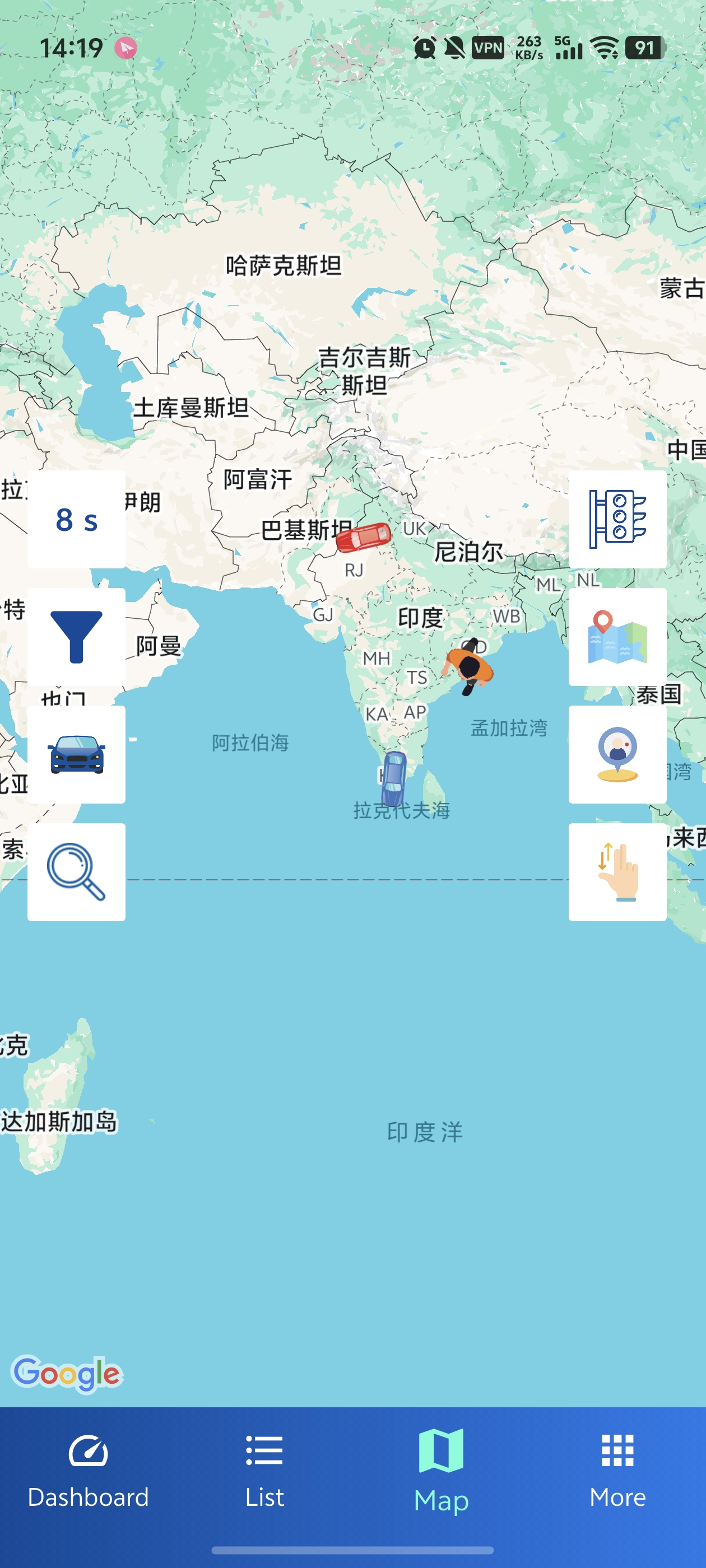
- Google Maps with custom status markers for each vehicle
- Switch between Normal, Satellite, Hybrid, and Traffic views
- Search and filter vehicles on the map
- Tap markers for quick actions
List View
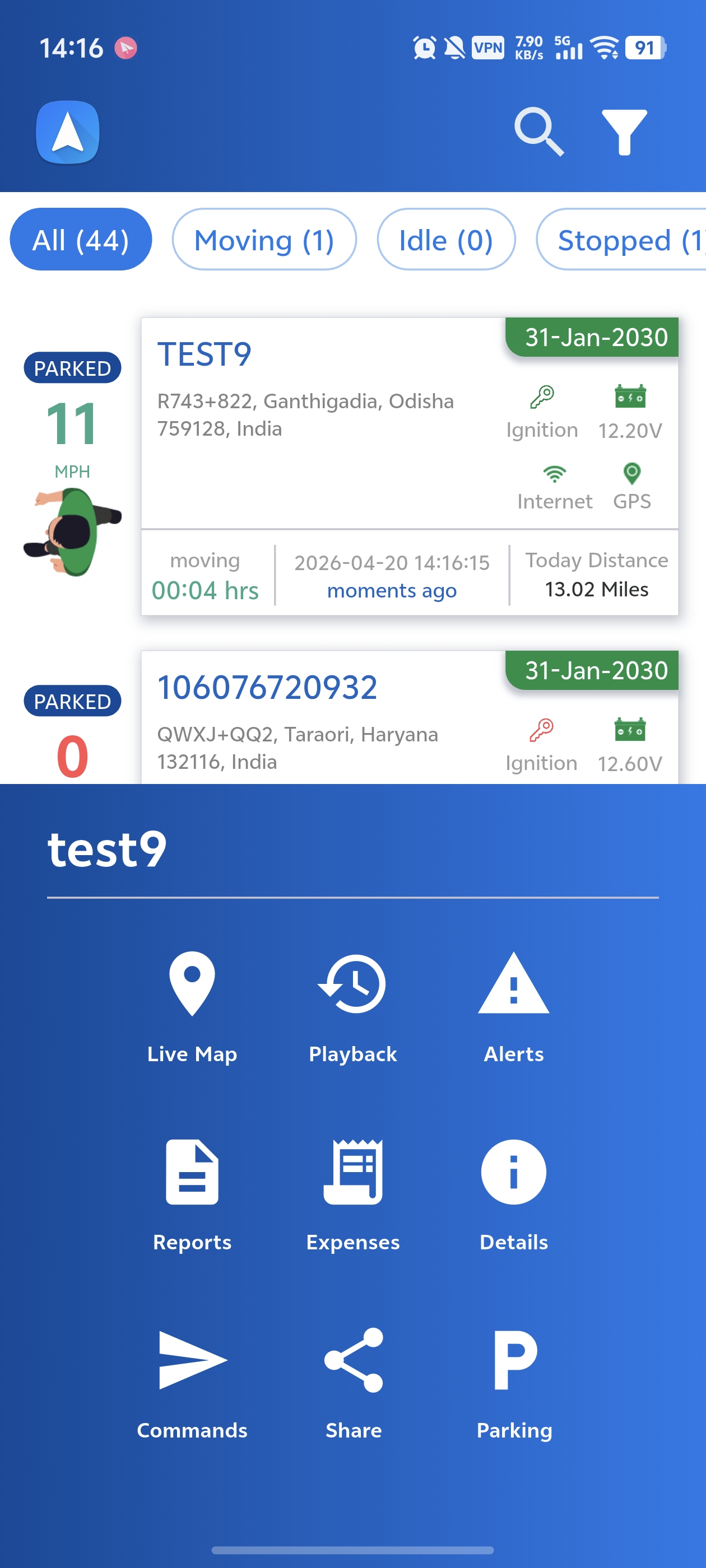
Single Object View
Tap any vehicle to enter focused tracking mode:
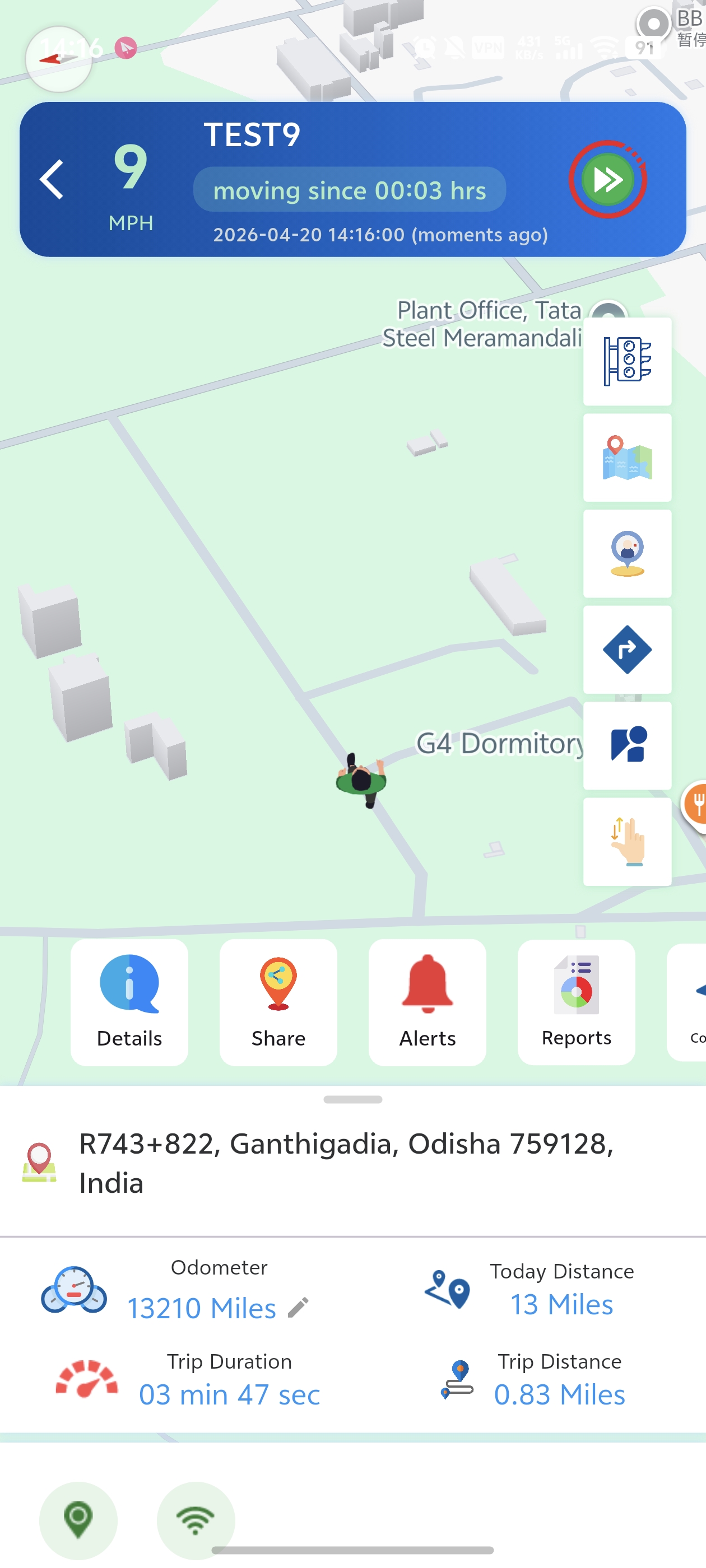
- 3D Follow Mode — Camera follows the vehicle with bearing rotation
- Live Info — Speed, heading, altitude, address, last update
- Sensor Data — Fuel, temperature, battery (if configured)
- Action Panel — Call, SMS, Share, Playback, Reports, Street View, GPRS Commands
- Live Video — Multi-channel video streaming from vehicle cameras
- Voice Monitor — Listen to live audio from in-vehicle microphones
- Two-Way Intercom — Full duplex audio communication with the vehicle
- Video History — Browse, upload, and download recorded footage from device SD card
- AI Alerts — View ADAS/DSM events with in-app evidence video playback
- Device Gallery — View captured images from the device camera